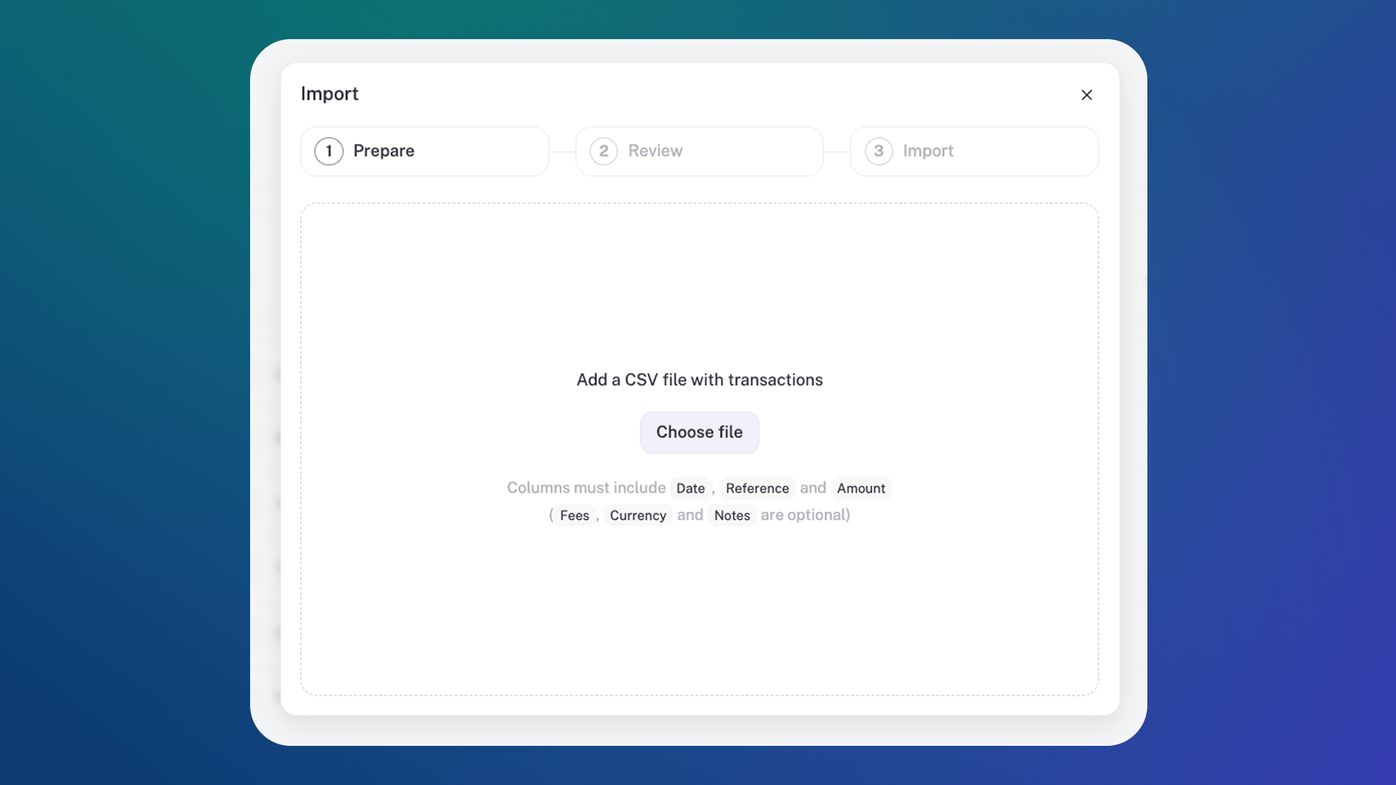
CSV Upload
Bringing your money moves into stub just got a whole lot easier.
We've just built CSV upload to make switching to stub way smoother. We realised, very quickly, that connecting your bank account to stub wasn't enough, and we needed to provide an alternative way for you to bring in income and expense data. Especially because your first bank sync with stub only goes back three months (entrepreneur tilts head: "But I've been making bank for years").
The big win: Now you can take control of your finances without waiting on bank feeds or worrying about missing data. Every cent counts, so uploading all your past transactions means you'll now be able to get a full history of your finances in one place. Your accounting, your timeline.
You'll find it in the income and expense sections of stub, click on the three dots next to "Sync" on the right-hand side, and choose "Import".
CSV upload really completes the picture for you. Leesette, this one's for you!