Serious accounting.
Seriously easy.
The cashflow statement tracks money moving in and out, so you know what’s available.
The profit & loss shows your business’s earnings and expenses over time.
The sales report summarises your income by category, customer or product.
The expense report summarises your expenses by category or supplier.
The inventory report tracks stock changes and balances across your products.
The balance sheet gives a snapshot of your assets, liabilities and equity.
The trial balance lists every account’s balance as at a date, or its movement over a period, so you know your books add up.
The account activity report shows every entry in one account, or several at once, with running balances.
The overdue invoices report shows the payments your customers still owe you.
The upcoming invoices report shows the payments due to you soon.
The overdue bills report shows the payments you still owe your suppliers.
The upcoming bills report shows the payments you owe others soon.
The Sales Tax report tracks all Sales Tax sales, purchases and adjustments.
A dashboard built your way
Build your own dashboards from the numbers you care about: cash flow, bank balances, who owes you, what you owe and which returns are due. Resize the tiles, save a view for every hat you wear. Take a tour of the dashboard



Sync bank accounts
Ain’t nobody got time to manually add income and expenses. Connect your bank accounts and transactions land on their own, categorised the moment they arrive.
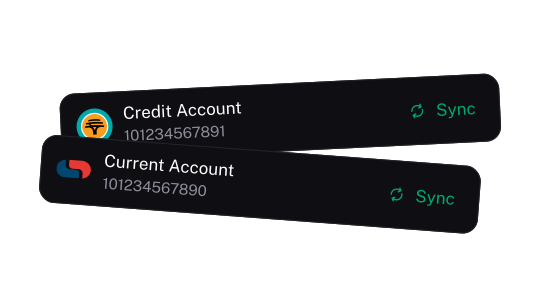
Connect bank accounts
Live feeds, including a direct Investec connection, or upload an OFX, QFX or CSV statement. If a feed ever stops updating, stub tells you instead of quietly going stale. Then reconcile each account on its own page. Now, erm, is that coffee really a business expense?
Review transactions
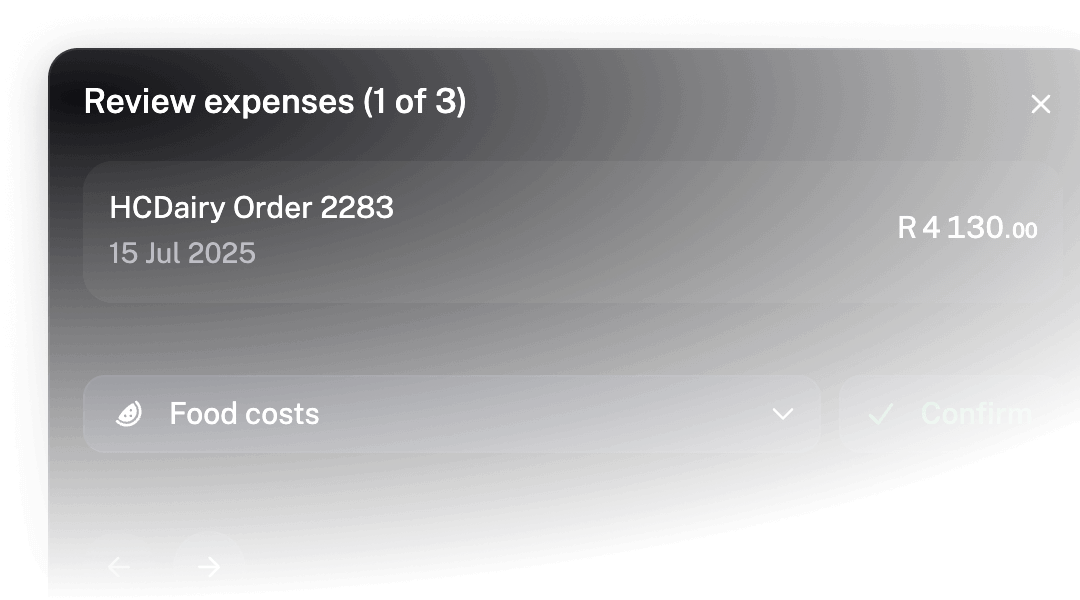
Income and expenses are categorised and matched to your invoices and bills automatically. Correct one and stub remembers next time. Anything it flags comes with the reason why.
Skip the data entry
Receipts, PDF invoices, CSV sheets, raw bank statements, or even a photograph of a quickly scribbled note — stub imports data from almost any file.
Switch in seconds. Bring your products, customers, suppliers, chart of accounts, assets and transactions from wherever they live now.
Upload a trial balance from your old system and stub sets your opening balances for you.
Paid plans get an email address for your books. Forward a receipt or bill and it’s imported for you.
Nice assets. Mind if we track them?
Keep track of everything with a fixed asset register and automatically calculate depreciation, so that everything stays accurate and up-to-date.
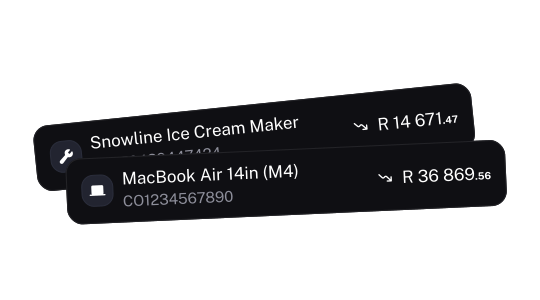
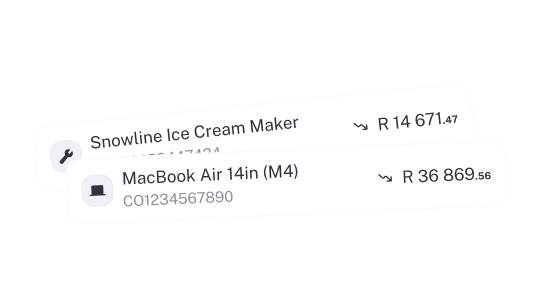
Asset register
Keep a record of your business’s fixed assets, tracking their value, location, and depreciation over time.
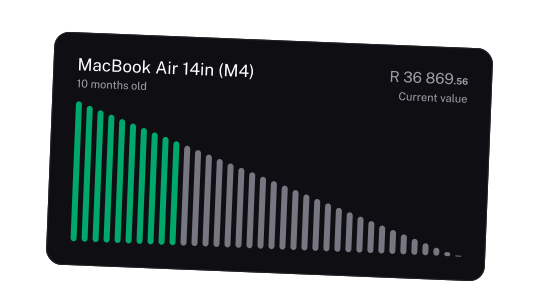
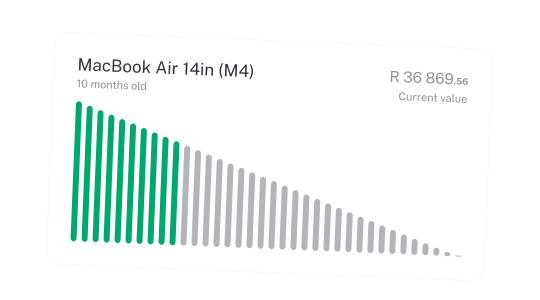
Depreciation
Slap straight line or diminishing value depreciation onto an asset and let stub handle the accounting.
Sales Tax
Add Sales Tax to anything in stub—income, expenses, invoices, products—you name it. That’s all it takes. Sales Tax handled, no sweat. Honestly, it’s suspiciously easy. When it’s time to file, your Sales Tax returns are ready to go.
Accounting superpowers when you need them
The general ledger is the engine under the hood of stub. Post manual entries for adjustments, corrections, or anything else you might need.
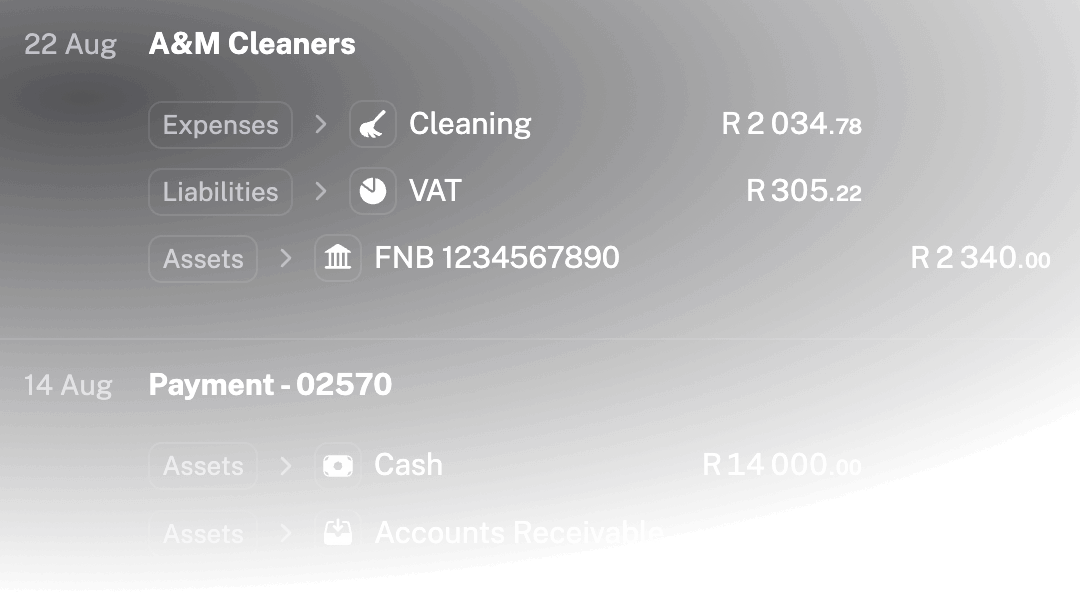
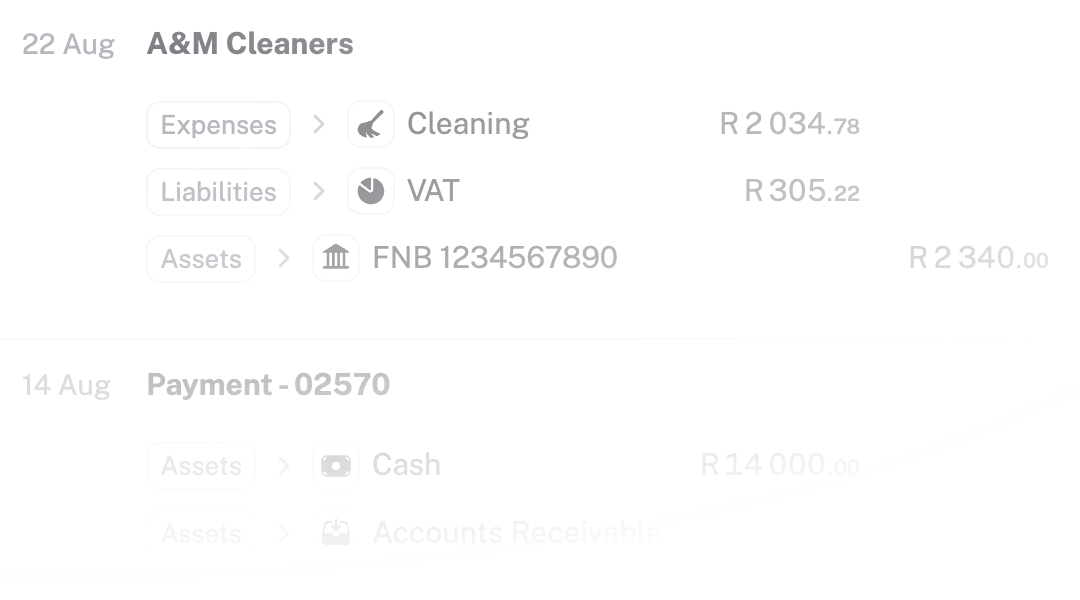
General Ledger
Drill down to every entry from every source you’ve connected. One amount column, a running balance, and opening and closing balances for the account you’re looking at.
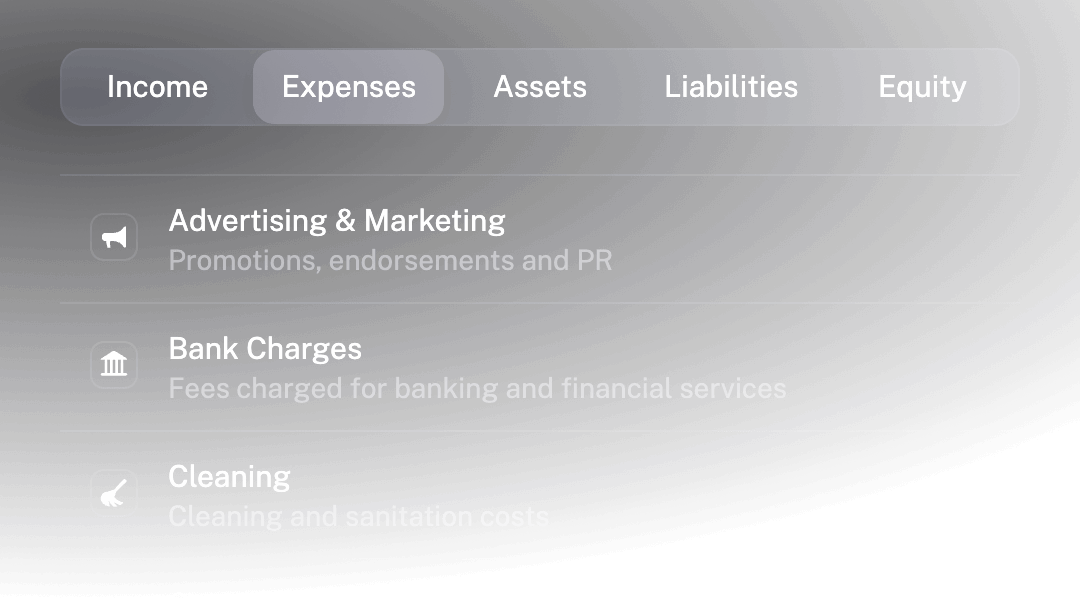
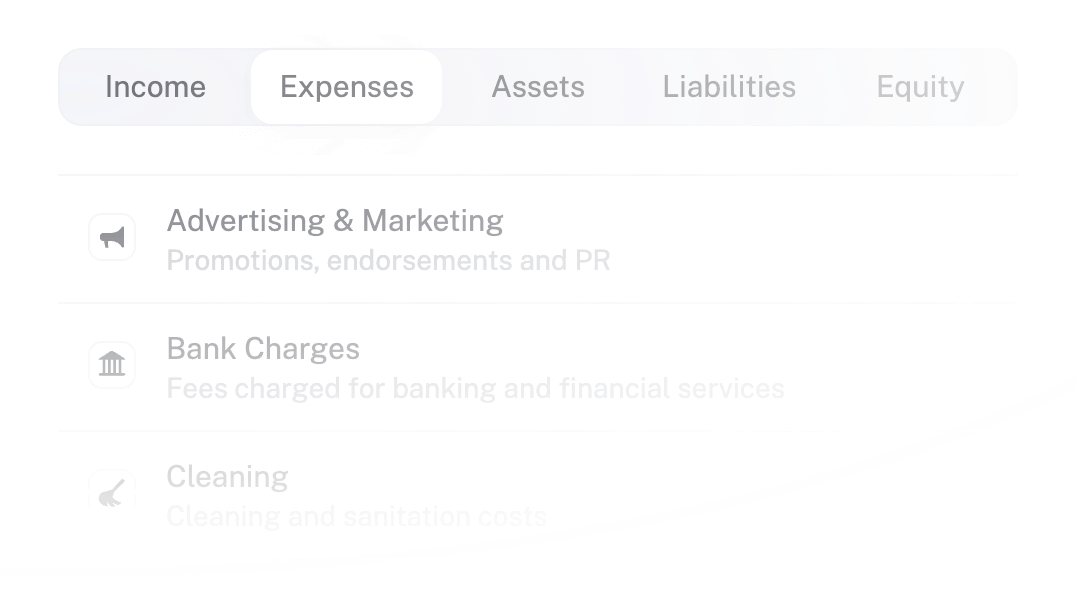
Chart of Accounts
Customise the categories you use for your business, with your own account codes and a currency for any account. Bitcoin included.
Use reports to compare month-to-month and see trends.
Download a management report pack with exactly the reports you need, as PDF or CSV.
Compare by tag to split sales, expenses and profit by department, project or location. Tag groups keep it tidy.
Trade in any currency. stub looks up the exchange rate for the date, or you set your own.
Post journal entries for adjustments, corrections, or custom transactions.
Customise accounting rules to change your default accounts.
Search everything, then categorise, archive or delete the results in one bulk edit.
Save custom views with filters across as many values as you like. The whole team sees them.
Keep receipts and contracts in folders and attach any file to any record.
Deleted something by mistake? Dig it out of the trash and restore it.
Quick maths: type a sum into any amount and stub works it out.
Run several businesses from one login and switch between them in a click.
Bring in your accountant
Invite your business partner, your team or your accountant. Everyone signs in with their own email, and you decide what each of them can do.
Give each person a role: Administrator, Editor, Invoicing only or View only.
Sign in with a passkey or an authenticator app, and sign out of every device in one click.
Your accountant can ask questions of your books from Claude or ChatGPT. Connect an AI assistant