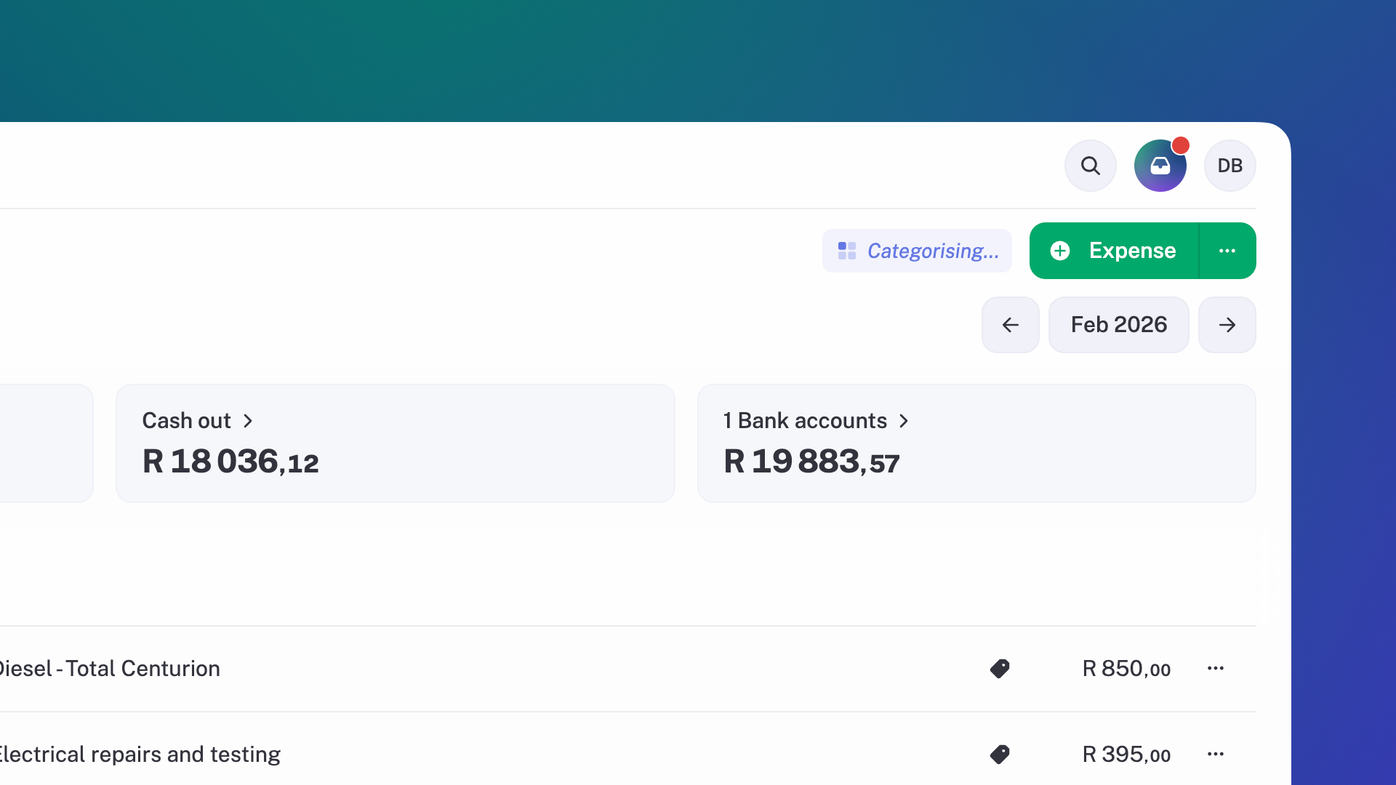
Automatic transaction categorisation
When you sync or import transactions they will be automatically sorted into the right category. Coffee. Office Supplies. Coffee. Inventory & Stock. More coffee. ☕
Oh and did we mention it learns from you over time? So the more you use stub the better it gets at categorising your transactions.
Opening balances
Coming from another accounting system? You can now upload your trial balance and set your opening balances in your business settings. 🤑
Improvements
Income & expenses: when you split income or expenses you can set a negative value. Cos sometimes that’s a thing.
Opening balances: When you set opening balances (on customers, suppliers or bank accounts) you can now set a negative balance without stub having an existential crisis.
Customers: Now the customers pages show you any income or customer account payments for that customer, as well as any sales for them. Customer statements got cleaned up too, so they don’t include transactions that don’t affect the balance anymore.
Suppliers: Like customers, now the suppliers pages show any expenses or supplier account payments for that supplier, as well as purchases for them. Supplier statements also got tidied up. 🧹
Fixes
Orders: Fixed an annoying bug where subtotals included discounts when they shouldn't have. Math is hard, but we got there.
Financial year: If your financial year starts on March 1st, you may have seen a warning about data affecting the previous financial year. We fixed that.
iOS rendering: Fixed a couple of little quirks that made stub look wonky on iPhones.📱
CSV imports: Empty headers in your CSV won’t lead to a vague "Something went wrong" error message anymore.
Quotes: Sometimes quotes were not being marked as “sent”, when they had been, erm, sent. Fixed!
Insights: Some totals on the dashboard from previous financial years may have incorrectly been reported as zero. Look, we’re all about living in the moment. But we still fixed that. 😏