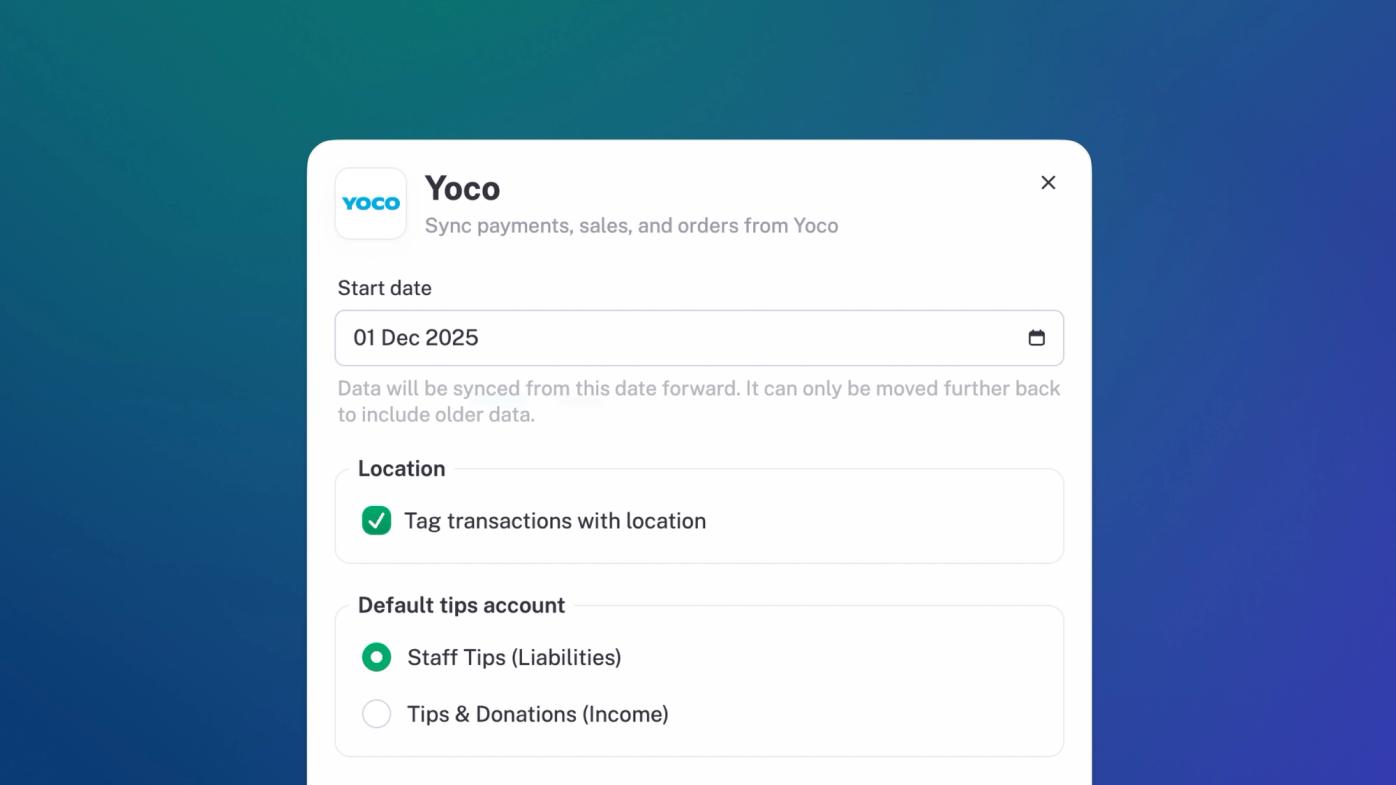
Yoco
stub now integrates with Yoco. Connect and sync your orders, payments and transaction fees. Easy peasy.
Chart of Accounts currencies
You can now customize the currency of any of your chart of accounts in stub. Now accepting BTC. And any other currency you like.
Updated navigation
We’ve updated things to make it waaaay easier to get around stub. Everything you need, right there, when you need it, but not cluttered or messy.
Add units on items
You can now specify custom units on products and items on invoices. Kgs? Sure. Hours? Yep. Furlongs? Knock yourself out. 🥸
Delivery notes
If you want to get a proof of delivery you can now ask your customers to sign a proof of delivery through stub. Head to settings → preferences to activate this.
Improvements
Data: customize how everything is sorted in stub.
Invoices: quickly add invoices when classifying income (and bills when classifying expenses).
Filter: filters got overhauled to work much better on mobile, and give you more flexibility than before.
Flag: bulk flag or unflag items now, making it easier to wrangle all that data.
Files: attach many files to sales, expenses, assets and entries. Seriously. As many as you like.
Invoices: when adding payments manually to invoices, there are now quick links to the date and due date of the invoice.
Bills: when adding payments manually to bills, there are now quick links to the date and due date of the bill. See a pattern here?
Bank accounts: bank recon now shows bank accounts with their balance in the currency of the underlying account.
Apps: apps support more statuses, so if something is not connecting or given an error you’ll see that more clearly.
General ledger: filter by account shows only those lines on the matching entries so it’s easier to see what’s going on.
Security: when enabling online payments you will now be required to verify your identity to ensure your account stays safe.
Invoices: payment reminders now indicate when they’re not being sent anymore (because payment has been received).
Bills: manually created bill numbers are now simply sequential. You’ll probably customize them based on what your supplier sends you, so we just keep it simple.
Filters: all filters are saved even when you navigate away. So they’re just as you left them when you come back.
Sort: all sort settings are saved even when you navigate away. When we’re onto a good thing... we like to keep going.
UI: Modals don’t stack up on each other ever now. Clean and crisp. Like fresh laundry.
UI: font colors got a lil tidy up. Subtle. Real subtle.
Apps: TymeBank changed their name to GoTyme.
Apps: we overhauled how apps and bank accounts sync in stub.
Fixes
Bank: sometimes transaction information wasn’t clearly visible in bank recon on mobile. We fixed that.
Payments: fixed a bug where invoice payments didn’t always work consistently if the underlying account wasn’t specified correctly.
Transactions: fixed an issue where transactions in a different currency were not always showing the right currency.
Payments: fixed a bug where it was sometimes possible to enable payments with a masked bank account number.
Transactions: fixed a bug where splitting income or expenses in a different currency glitched out.
UI: updated the high five loader so that it always shows up in the middle of the screen when it first loads.
General Ledger: fixed a bug where icons on entries were not always correct.
Checkbox: fixed a bug where clicking the label of a checkbox didn’t always toggle it.
Invoices: we now show unadjusted line totals when an invoice has an invoice level discount.
Invoice: added a create invoice quick action back to pro forma invoices
Accessibility: switched font size rendering to better reflect your system settings.