
Yoco
Category
Payments
Accounts
Yoco
Website
yoco.com
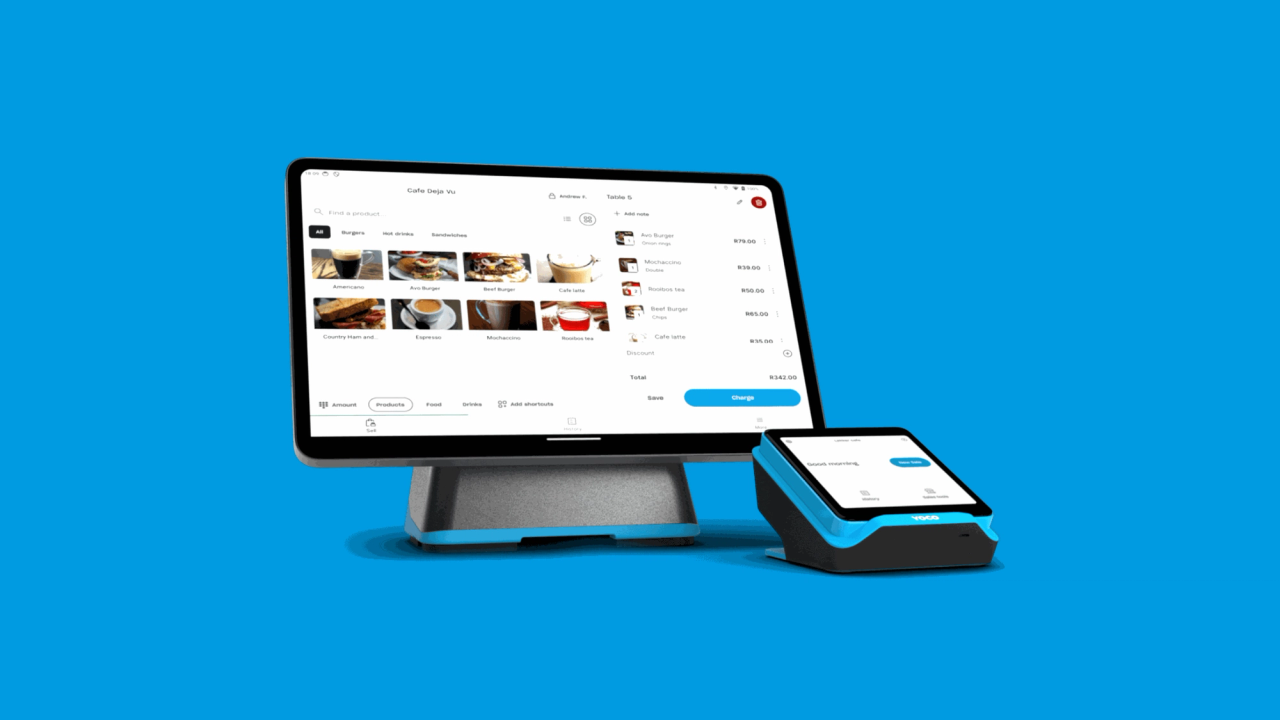
Connect Yoco to stub to reconcile your transactions. Your sales, fees, refunds, payouts, tips and Yoco Capital flow in automatically and match with what’s in your bank account. No exports. No spreadsheets. No late-night calculator sessions that end in nightmares.
What gets synced?
- Sales: all the income generated by your business. Categorised in stub as “sales”.
- Refunds: money you’ve had to pay back to customers or suppliers (handled cleanly, not just dumped in a corner). Categorised in stub as “refunds”.
- Tips: when first connecting your Yoco to stub, you’ll be able to set how tips are managed in your books. Categorised as Staff tips (liabilities) or Tips and Donations (income).
- Yoco Capital: the cash Yoco has lent you as well as the payments you make against it, to help you grow your business. Categorised in stub as a “loan”.
- Fees: the different charges from processing payments, no surprises, just facts (you gotta spend money to make money). Categorised in stub as "merchant fee’s”.
Everything that you need for a full picture in your accounting.
Features
- Sync all card payments to stub
- Add tips, and configure how they are allocated
- Sync processing fees and any deductions
- Tag transactions with your Yoco configured location