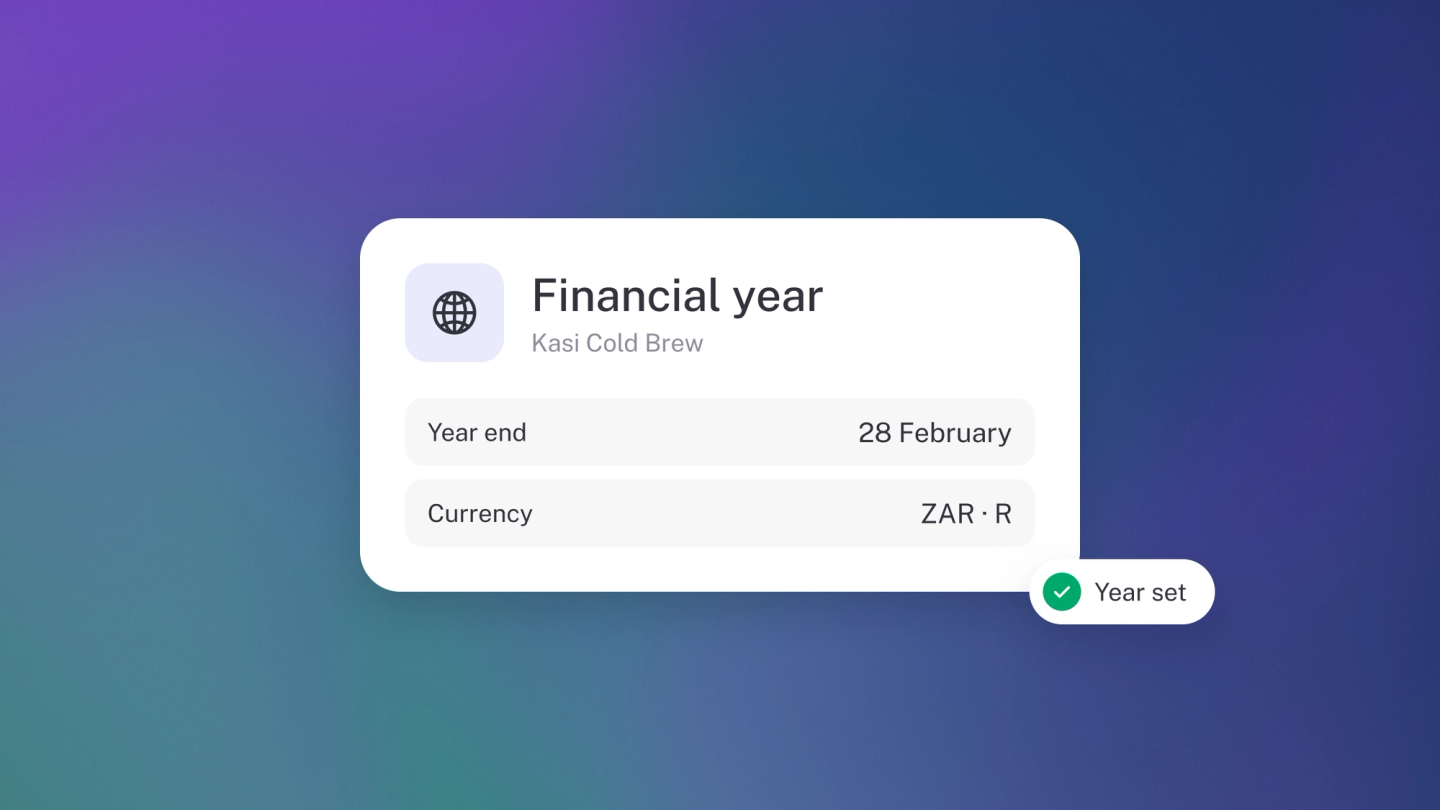
Two quiet settings shape every report stub builds for you: which twelve months count as your year, and which currency your books are stated in. Set them once, before you record anything, and you'll likely never think about them again — which is exactly how it should be.
Set your financial year
On Settings → Finance, click Edit next to Financial year start and choose the month your financial year begins. Customising it comes with Steady Startup.
In South Africa most businesses start in March, so their year ends at the end of February. Pick the month that matches what you file. Until you choose a month, South African businesses use March, so your reports already line up with the tax year.
Your financial year drives the Yearly comparison on your reports, the year-to-date figures across stub, and when profit rolls into retained earnings.
Set your operating currency
On the same page, click Edit next to Operating currency and pick the currency your books are reported in. This one is available on every plan.
This is the currency your Profit & Loss, Balance Sheet and every other report is stated in. You can still invoice customers and pay suppliers in other currencies — stub converts back to this one. See Multi-currency & exchange rates.
Tip: Set both before you record anything. Changing your operating currency once you have a year of transactions behind you is not a small job.
Note: Once you activate payments in stub, your operating currency locks to the currency you activated them in — stub won't let you change it after that.
While you are on this page
Settings → Finance also holds:
- Opening balances — your starting numbers. See Set opening balances.
- Chart of accounts — your categories. See Customise Chart of Accounts.
- Accounting rules, under Advanced. See Set your default accounts.
Tip: Once your year is filed, lock it. Locking a period keeps what you posted exactly as it was, so the numbers you filed stay the numbers stub shows; anything changed later waits for you to decide what to do with it. Locking comes with Steady Startup. See Lock a period. Before you lock, run your Trial Balance and check it.