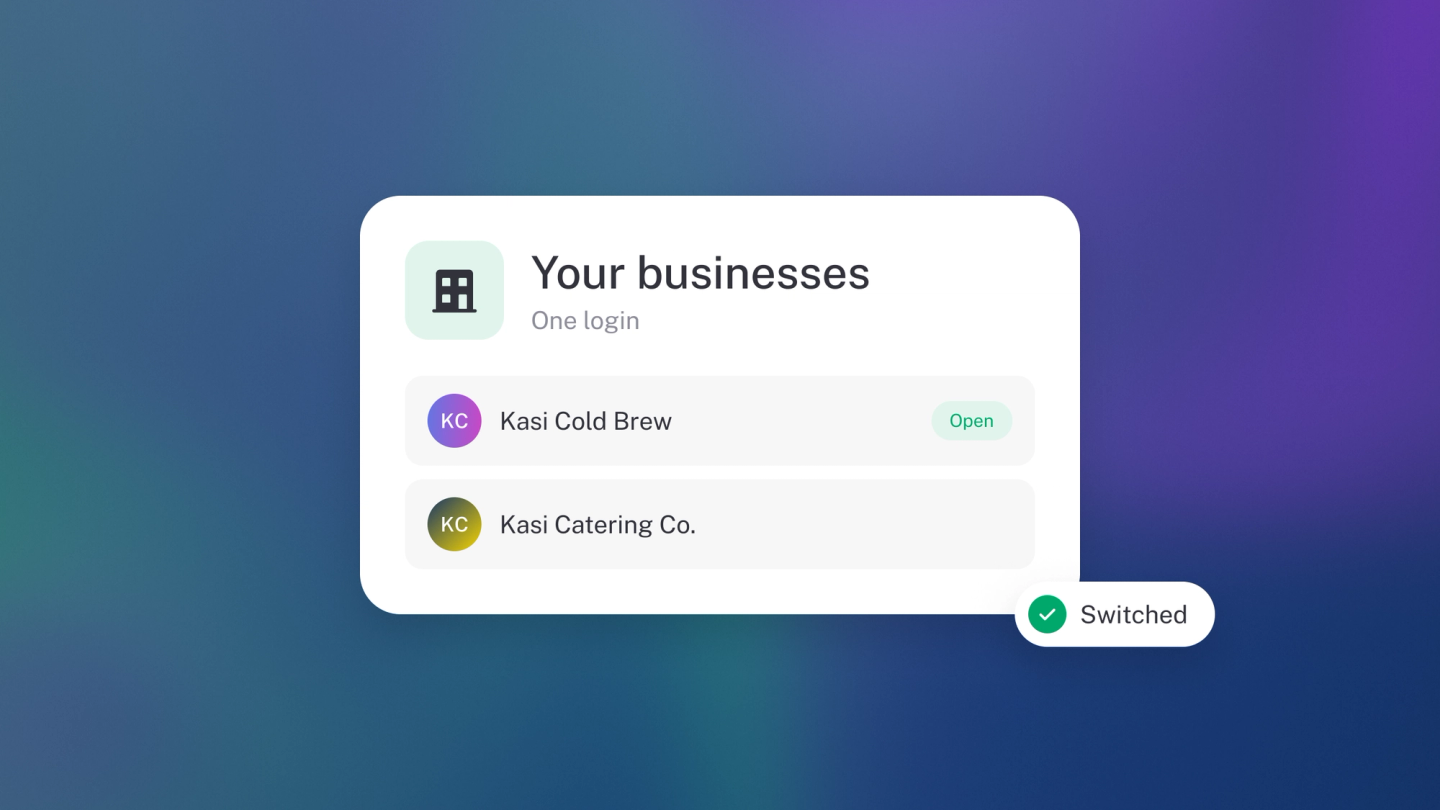
One login, every venture. If you run a shop and a side hustle, each one gets its own business in stub — its own books, its own settings — and you switch between them in a click. No second account, no mixed-up money.
That separation earns its keep the moment the ventures diverge — different partners, different tax numbers, or a bookkeeper who should see one set of books and not the other.
Add a business
Click your business avatar at the top of the app, then Add business (or go straight to /create-business). The short form asks for a Business name — sole proprietors, use your full name — plus an Email address, Phone number and your region. Check the region is right, then click Create.
Your new business opens with its own empty books. There is no base-currency choice at this point — set that afterwards under Settings → Finance.
Switch between businesses
Click your business avatar at the top of the app and pick the business you want. Everything reloads for that business — its dashboard, its transactions, its reports.
What each business keeps to itself
Every business has its own:
- Bank accounts and feeds
- Customers, suppliers and products
- Chart of accounts and opening balances
- Tax settings and returns
- Team members
- Subscription and billing
Nothing is shared. Being an owner of one business gives you no access to another — which is exactly what you want when the ventures have different partners or different books.
Set each one up
A new business starts empty, so give it the same care you gave your first. Work through the Day-one checklist for each.
Billing
Adding and switching businesses is free. Each business is billed separately — so three ventures on paid plans means three subscriptions. See Manage subscription.
Tip: Give each business a distinct logo and brand colour under Settings → Business → Design. It is the fastest way to know which set of books you are actually looking at.