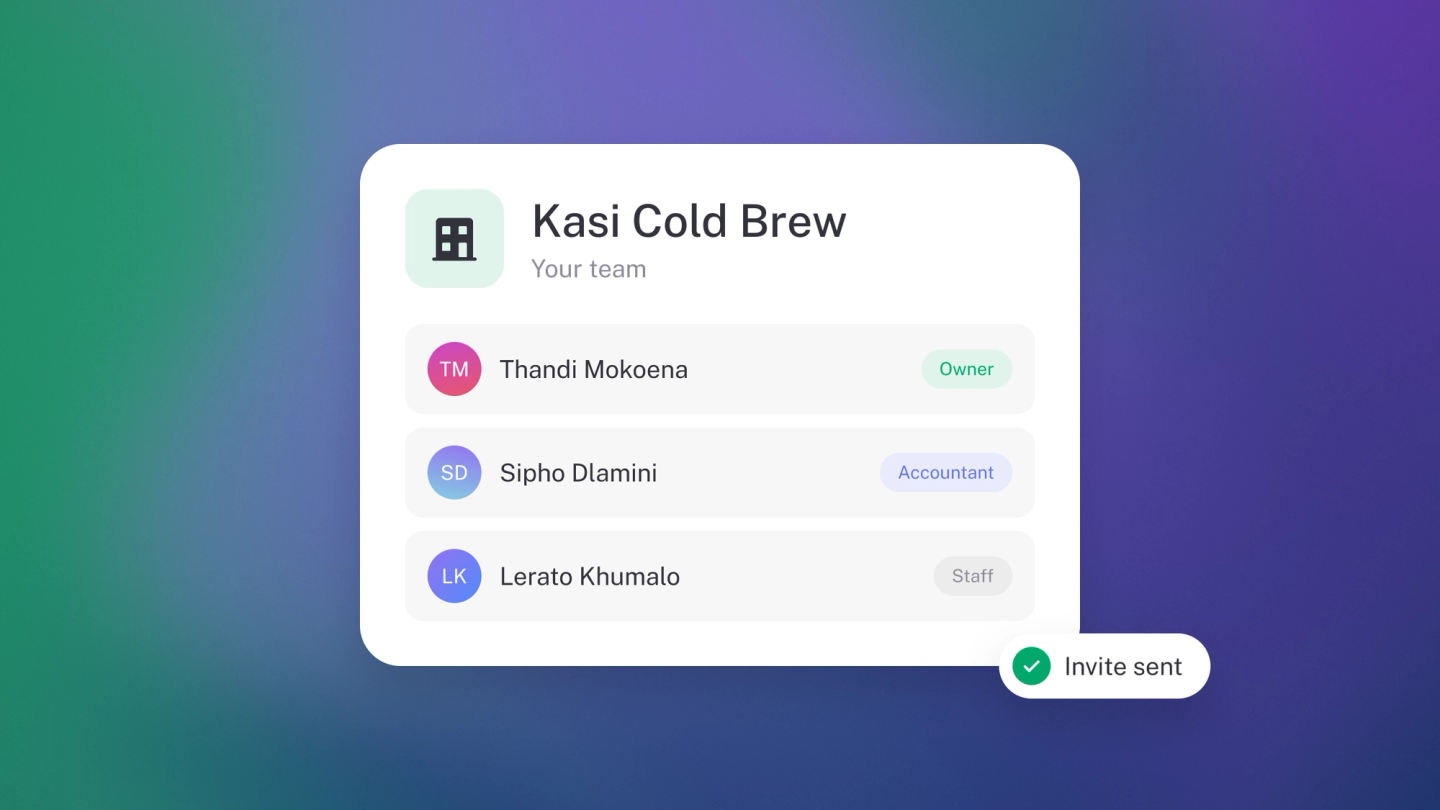
Your books don't have to be a one-person job. Bring in your co-founder, your staff or your accountant, each with their own login, so nobody shares your password. You decide what each of them can reach.
Owners and administrators can add members. Only an owner can remove them.
Owners and administrators can also see everything a member has done in the activity log: on Settings → Team, click ··· on their row and choose Activity.
Choose what they can reach
Every member has a role:
- Owner — Full access to everything, including banking, team members and settings.
- Administrator — Everything an editor can do, including payroll, plus deleting bank accounts and managing team members and the subscription. Only an owner can reset or delete the business.
- Editor — Full accounting access. Can't delete bank accounts or manage team members.
- Invoicing only — Raises invoices and quotes, adds the customers to raise them for, and sees only their own documents.
- View only — Sees the books, but can't change anything.
- Custom — You choose what they can see and change in each part of the business.
Owner, Administrator and Editor come with Steady Startup. Invoicing only, View only and Custom come with Growing Business. For what each role reaches and how to build a custom one, see Team roles and permissions.
Add a member
Go to Settings → Team and click Member. Enter their Full name and Email address, choose their role from Access, and click Add.
They get an emailed invitation and join with that role once they accept. Until then they show as Pending on the list.
Change someone's role
On Settings → Team, click the member, choose a new role from Access, and click Save. The change applies straight away.
A Pending member's role can't be changed until they accept. Only an owner can change an owner's or an administrator's role.
Making someone an owner, or stepping down yourself, has its own wrinkles. See Add or change a business owner.
Remove a member
On Settings → Team, click the member, then the trash button, and confirm. Their access ends immediately. Everything they created stays in your books.
Check your seats
Paid plans come with a set number of seats, and the bottom of the Members list shows how many you are using. Sneaky Side Hustle seats 1, Steady Startup seats 3, Growing Business seats 5, and Established Entrepreneur has no seat cap. Extra members come with Steady Startup and up.
When you're full, stub offers the next plan that seats more than you have, and names the plan you're currently on in the message. On Growing Business, that's Established Entrepreneur.
Adding an accountant or bookkeeper
Add them as a member like anyone else. If they work on your books, Editor covers what they need: the ledger, the reports and the exports, without letting them delete your bank accounts. If they only need to look, an auditor for example, make them View only.
Each member decides for themselves which notifications reach their inbox, email and screen. See Choose which notifications you get.
Tip: Take people off the list when they leave. It is a two-click job that is very easy to forget.