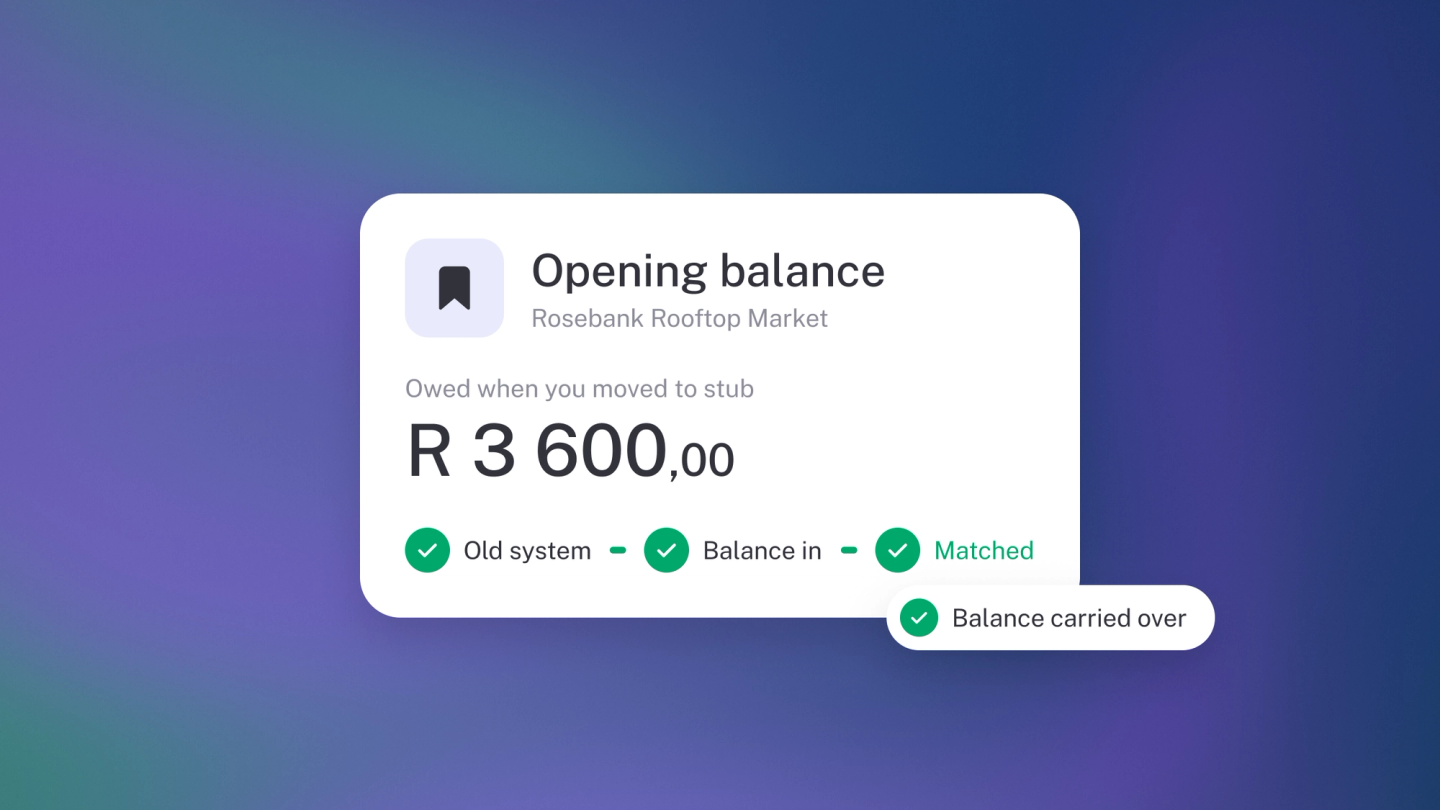
Switching to stub shouldn't mean pretending your history never happened. If a customer already owed you money on the day you started — or you owed a supplier — an opening balance carries that debt into stub as one clean number per contact, so Total outstanding and statements are right from day one.
Set a customer's opening balance
- Click Customers in the sidebar.
- Open the customer.
- Click ··· → Opening balance. (Don't see it? It comes with Steady Startup.)
- Enter the Opening balance — the total they owed you on your start date. If they actually had credit with you, enter a negative amount.
- Set the Date — the day your books in stub begin. stub suggests the start of your earliest financial year.
- Click Save.
Set a supplier's opening balance
Same steps, other side: open the supplier under Suppliers, click ··· → Opening balance, and enter the total you owed them on your start date.
Note: You can still record transactions dated before the opening balance date — but if you do, they adjust this balance. stub also warns you if the date you pick falls before your business-wide opening balance date or in a previous financial year.
One figure, or invoice by invoice?
This is the one decision worth pausing on:
- One figure. An opening balance is a single number per contact. Use it when you only need the total — quick, but there's nothing to chase individually.
- Invoice by invoice. If you need to chase or settle each old invoice separately, enter those invoices in Sales (or bills in Expenses) instead, dated before your start date. You get line-by-line tracking, and each one can be settled on its own.
Check your balances
Open the customer or supplier and check Total outstanding on the left panel, then click Statement for the full history. Both should match your old system on your cutoff date.
Related
- This article is contact-level only. Ledger-wide opening balances, for bank accounts, assets and equity: Set opening balances.
- Moving your books across: Switching to stub.
- Money taken before an invoice exists is not an opening balance — see Record a deposit or prepayment.