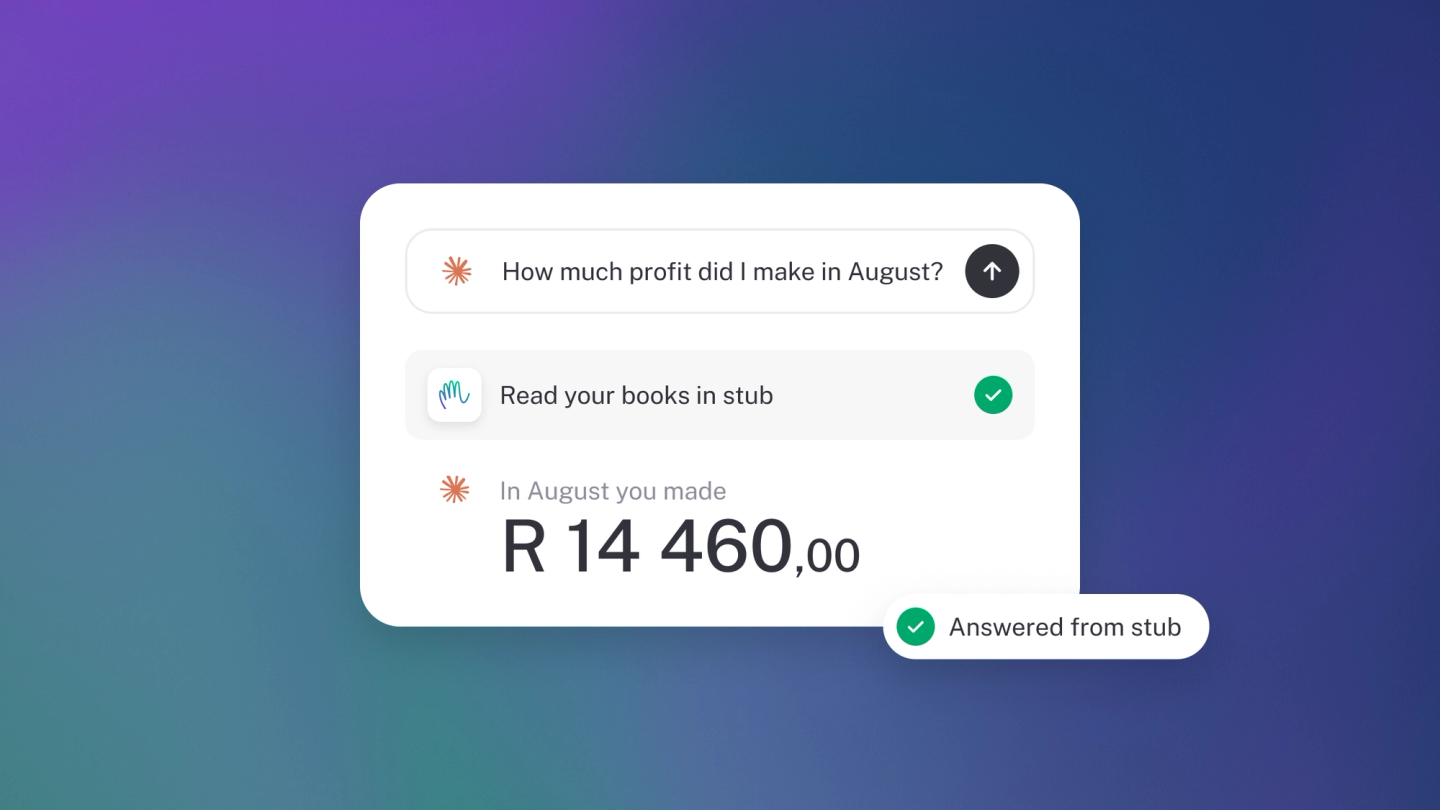
Imagine asking "who owes me money?" and getting an answer from your actual books — not a guess. That is what MCP gives you: your AI assistant, working directly with your live stub data.
MCP — the Model Context Protocol — is the standard way AI assistants like Claude and ChatGPT plug into tools like stub. You don't need to understand the plumbing: you paste in an address, sign in to stub, and from then on your assistant can work with your books — pull the quarter's spending without building a report, or draft an invoice while you talk it through. Setup takes a couple of minutes.
How it works
stub runs a hosted MCP server at https://api.stub.africa/mcp. You'll also find the address under Settings → AI. You give your AI assistant the address, sign in to stub once, and the assistant can then read and work with your books. There is nothing to install and no keys to paste into a config file.
It works with Claude (web, desktop and Claude Code), ChatGPT, Cursor, VS Code, Perplexity, Google Antigravity and other tools that support MCP. We test most closely against Claude, but any tool that follows the standard should work.
Note: MCP is available on every plan, the free Sneaky Side Hustle included. What does scale with your plan is how far back your chat history is kept — one month on Sneaky Side Hustle, three on Steady Startup, six on Growing Business, twelve on Established Entrepreneur.
Connect an assistant
- Copy the server address: https://api.stub.africa/mcp, or copy the MCP server field under Settings → AI.
- In your AI app, add stub as a custom connector and paste in the address. In Claude and ChatGPT this is in their connector settings.
- A stub sign-in page opens. Log in with your usual email and password, or with Google.
- If your login has access to more than one business, choose the one to connect. If you only have one, it's selected for you.
- Approve the connection, and you're done.
You never copy or paste a key.
Connect with an API key instead
Some tools and custom integrations can't open a sign-in page. For those, connect with your Business ID and API key instead. Both are under Settings → API — see Find your account ID, business ID and keys.
Warning: Treat your API key like a password. Anyone who has it can reach that business's books.
Working with more than one business
Each connection is linked to a single business, so an assistant can't mix up one company's figures with another's. To work across several businesses — as an accountant or bookkeeper, say — add a separate connection for each one and give each a clear name, like "stub – Acme Trading" and "stub – Bright Bakery".
How sign-in keeps your books safe
Signing in uses OAuth 2.1 with PKCE, the same industry standard behind Google and Microsoft sign-ins. Your AI tool never sees your stub password. Instead it gets a short-lived access token that expires after an hour and renews quietly in the background, so you won't be asked to sign in again every hour.
- A connection you haven't used for 30 days lapses.
- Every connection asks you to approve it again after 90 days.
- Each renewal checks that you still have access to the business. If someone is removed from a business, their connected assistants stop working within the hour.
What an assistant can and can't do
Assistants work within the same rules as the stub app. Features that depend on your plan stay plan-dependent, and your business settings still apply — an invoice created through an assistant gets your default invoice note, just like one made in the app.
Sensitive details such as full bank account numbers and payout codes are never sent to the assistant.
Each tool stub offers is labelled as either reading data or making changes. That lets apps like Claude ask you before making a change, or let you approve, block or auto-allow each tool one by one.
Changes an assistant makes show up in your business's activity log marked as made by an AI agent, so you can always see who did what.
See what is connected
Go to Settings → AI and look under Connections. Each connection shows which app it is, when it was connected, and when it was last used.
Disconnect
Next to any connection under Connections, click Disconnect — the bin button — and confirm. To cut everything off at once, click Disconnect all. You can also remove stub from your AI tool's own connector settings at any time.
Disconnecting stops any future access, and a session already running ends within an hour.
Note: Only business owners can disconnect AI connections from stub's Settings.
What stub remembers
Under Memory on Settings → AI, you'll see everything stub has been told or has noticed about how you work, each tagged How to work or About your business. When you tell stub how you like things done, or confirm something it noticed, it lands here, so you never have to repeat yourself and you can always see what it's going on. Click one to change it or remove it.
Your business profile
Business profile holds details Ask stub uses in every answer, like who your accountant is or your B-BBEE level, so its answers fit your business. Click Add to choose a detail or name your own.
If stub spots a detail in your books, it asks you first: "stub noticed … Is that right?", with a To check badge. Click Yes, keep it or No. To remove a detail, open it, click That's wrong, then Forget. stub stops using it straight away.
What to ask it
Once connected, ask in plain language, the way you would ask a bookkeeper:
- "Who owes us money this month?"
- "What did we spend on fuel last quarter?"
- "Draft an invoice for Acme for last week's consulting."
- "Is my VAT return due?"
If something doesn't work the way you expect, tell us from right there: there's a feedback tool built into the connection. Just ask your assistant to send stub feedback.
Tip: Review Connections every so often. A connection you set up to try something out still has access until it lapses or you remove it.
MCP and Ask stub are not the same thing
MCP connects an assistant you already use — Claude, ChatGPT — to your books, and it's free on every plan. Ask stub is the assistant built into stub itself. It's on every plan too, and the work it does draws on your monthly action allowance, which MCP does not. See Ask stub: get answers and work done by chatting with your books. Workflows, multi-step jobs stub carries out end to end, are still coming. When they land they'll be part of a paid plan and draw on your actions too.