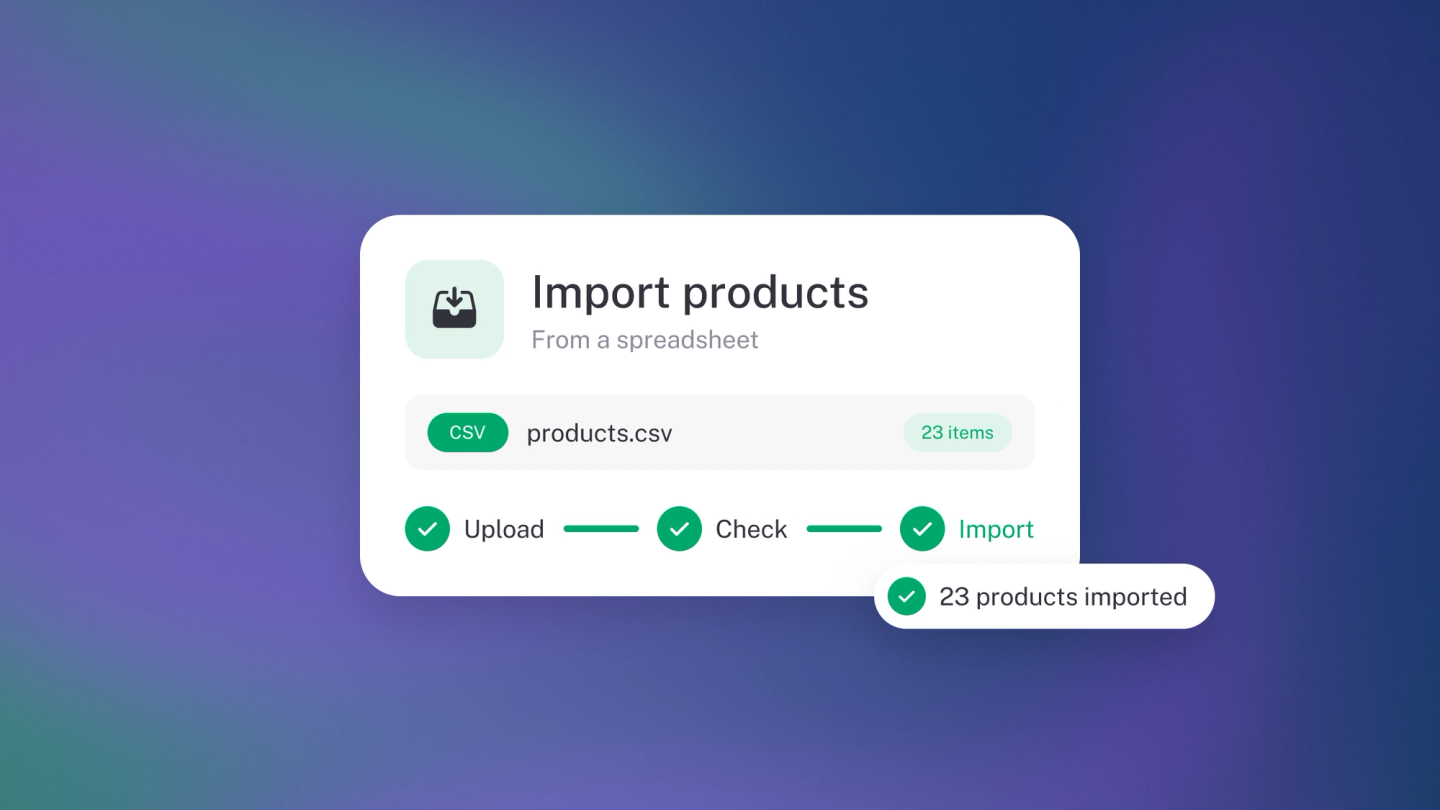
If your product list already lives in a spreadsheet — or a PDF, or even a photo — don't retype it. Drop the file into stub and your catalogue builds itself, ready to pull onto invoices and quotes.
Importing comes with Steady Startup — on Sneaky Side Hustle you add items one at a time.
Import your catalogue
Click Products & Services in the sidebar, then the ··· menu next to the Item button, and choose Import — or just press I on the page. Drag your file into the window, or click to choose it.
stub reads the file and creates your items. There is no template to download and no columns to map — stub works out what it is looking at.
The import window also shows your business's own import email address — email a document to it and stub imports it the same way.
What you can send
Spreadsheets, CSVs, PDFs, images and documents — Word and PowerPoint too. Keep individual files under 2 MB.
Get the best result
- Give each item a clear name and price. Those are the two fields that matter most.
- Put cost prices in their own column if you have them, so stub can work out your margins.
- One item per row. A tidy sheet imports more cleanly than a formatted one.
- Include a SKU column to update items you already have — a row whose SKU matches an existing item updates it rather than adding a duplicate.
Check what came in
Worth a minute after any import.
Back on Products & Services, sort by Name, Price or Cost price to scan for anything that landed wrong, and open any item to fix it.
Export your catalogue
Click Products & Services, then ··· → Export.
The export includes each item's SKU, so you can edit it in a spreadsheet and import it straight back.
Tip: The same ··· → Import works on Customers, Suppliers, Sales, Expenses, General Ledger and Chart of Accounts.