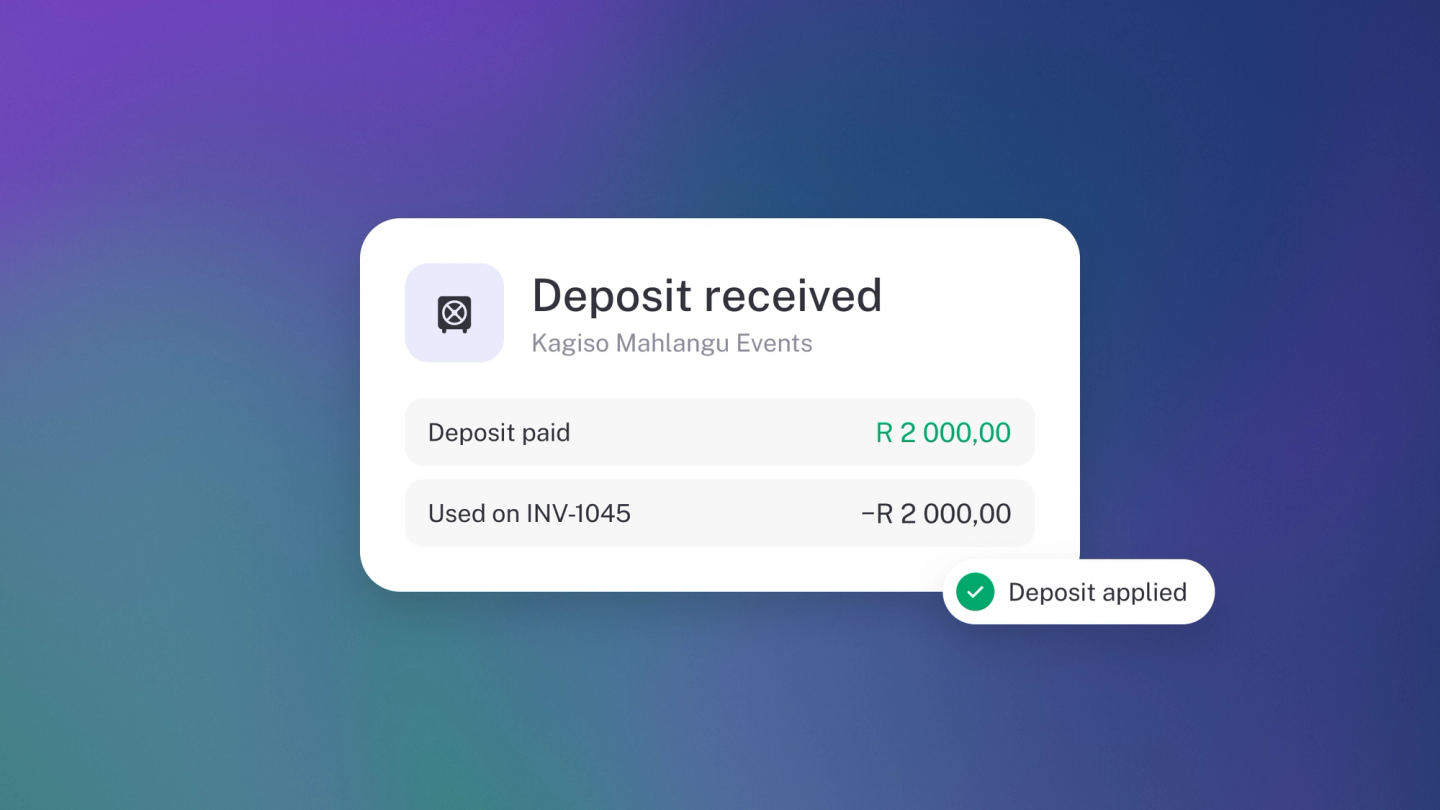
Money often arrives before the invoice does — a deposit, an advance payment, a retainer. Record it against the customer's account and it sits there as credit, ready to apply to the invoice later, so nothing falls into the gap between "paid" and "billed". Customer accounts are on every plan, Sneaky Side Hustle included.
Record the money as customer credit
- In Sales, open the income transaction for the money that arrived, or create a new one.
- Set its category to Customer account — it sits near the top of the category list, described as "Payment for a customer account".
- Select the Customer and save.
The amount now sits as a credit balance against that customer — held on their account, not counted as income.
Apply the credit to an invoice
- Open the invoice and click Payment on the right-hand panel.
- Go to the Account tab — it shows how much credit the customer has available.
- Enter how much to draw from their balance and save.
stub reduces the invoice balance by that amount and takes it off the customer's credit. On the invoice it appears as a payment from the customer's account — click it any time to change the amount.
Part-prepaid invoices
If the prepaid amount only covers part of the total, the invoice can carry both kinds of payment:
- Draw the prepaid portion from the Account tab.
- Add a normal payment (the New or Existing tab of the same window) for the rest.
Note: An account payment doesn't move money in your bank account. The cash already arrived when you recorded the customer payment — this step just settles the invoice with it.
Tip: If a customer's balance looks wrong, check whether the original money in was categorised as Customer account — that's usually the missing step.
Note: When you record the credit, stub may warn that the customer "doesn't currently owe you anything" and that the payment won't show up as income. For a deliberate prepayment that's expected — the amount sits on their account until you apply it to an invoice.