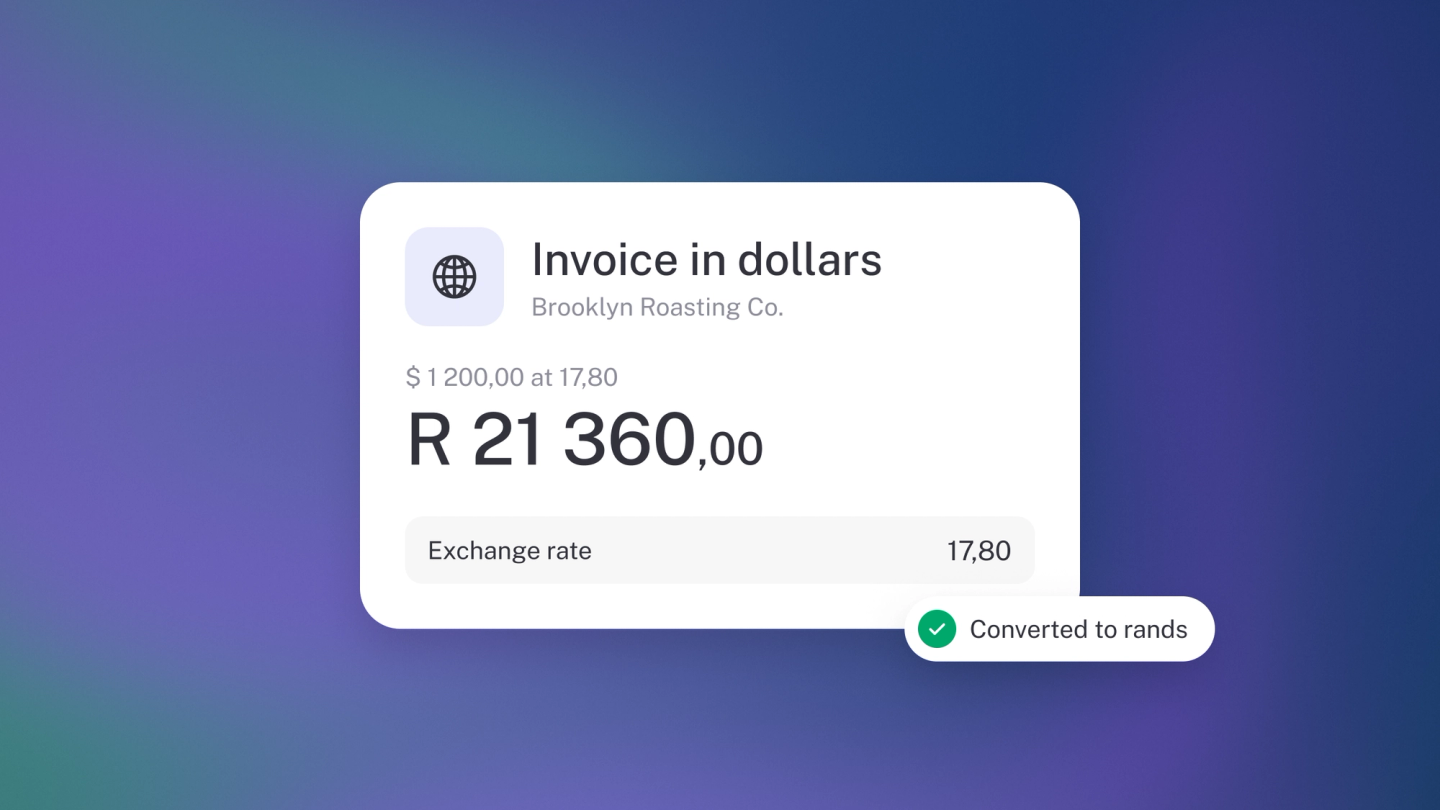
Winning a client abroad shouldn't complicate your books. In stub, your reports stay in one currency — your operating currency — while any document can be raised in whichever currency the deal is in. stub records the rate, converts the totals back, and handles the exchange gains and losses for you.
How it works
Your books are reported in your operating currency, set at Settings → Finance. When you raise a document in another currency, stub records the exchange rate on it and converts the totals back for your reports.
Invoice in another currency
On the invoice (Sales in the sidebar), click ··· → Currency, choose the currency you are billing in, and enter your line items in that currency.
The invoice shows the exchange rate, and stub converts the total back into your operating currency behind the scenes. The same works on quotes, credit notes and pro forma invoices.
Record a bill in another currency
Same move on a bill: open it under Expenses, click ··· → Currency, choose the supplier's currency and enter the lines in it.
Watch for the currency prompt
Add a saved item that carries a price in a different currency and stub asks whether to switch the whole document over — Update currency or Don't update. Choose deliberately: it changes the currency of the document, not just that line.
Exchange gains and losses
Rates move between the day you raise a document and the day it's paid, so the amount that lands rarely matches the amount you booked to the cent. When a payment settles the document, stub posts the difference as a gain or a loss for you — nothing to work out, nothing to post by hand.
Record a payment in another currency
A payment lands in a bank account, so it's recorded in that account's currency. Pick the account in Paid to (Paid from on a bill) and the payment currency switches to match. Say you invoiced in GBP but the money landed in a ZAR account: enter the rand amount you received.
stub doesn't convert for you here. If the amount was filled in from what's outstanding, it clears when the currency changes, so check the amount before you save. An amount you typed stays. The exchange rate resets to the default for that pair.
Tip: Set the account's Currency first (Settings → Finance → Chart of accounts), or the payment will follow your operating currency.
Working with a customer in more than one currency
Open a customer or supplier who deals with you in more than one currency, and the left panel breaks their outstanding balance out per currency — "3 invoices outstanding (USD)" — rather than adding up figures that shouldn't be added up.
Set an account's currency
If you hold a bank account or ledger account in a foreign currency, set its Currency when you create or edit it under Settings → Finance → Chart of accounts.
Tip: Agreed a fixed rate with your client? Set the currency on the invoice and check the rate stub has used, so what you bill and what you book match what you agreed.