Before you reach for anything drastic, take a breath. If you're here because something disappeared, it's almost certainly sitting in the Trash, and it comes back in two clicks. The actions below run from harmless to permanent — work down the list and stop at the first one that solves your problem.
Get something back you deleted
Go to Settings → Business → Trash, find the record — deleted invoices, expenses, income, customers, suppliers and transactions all land here — and click Restore. It comes back exactly as it was. Most "I've lost everything" moments end right here.
Clear your local cache
If stub is showing you something stale, clear the copy held in your browser. This touches nothing in your books.
Go to Settings → Business, scroll to the Danger heading, and click Clear cache, then Clear. stub reloads your data fresh from the server.
Reset your business
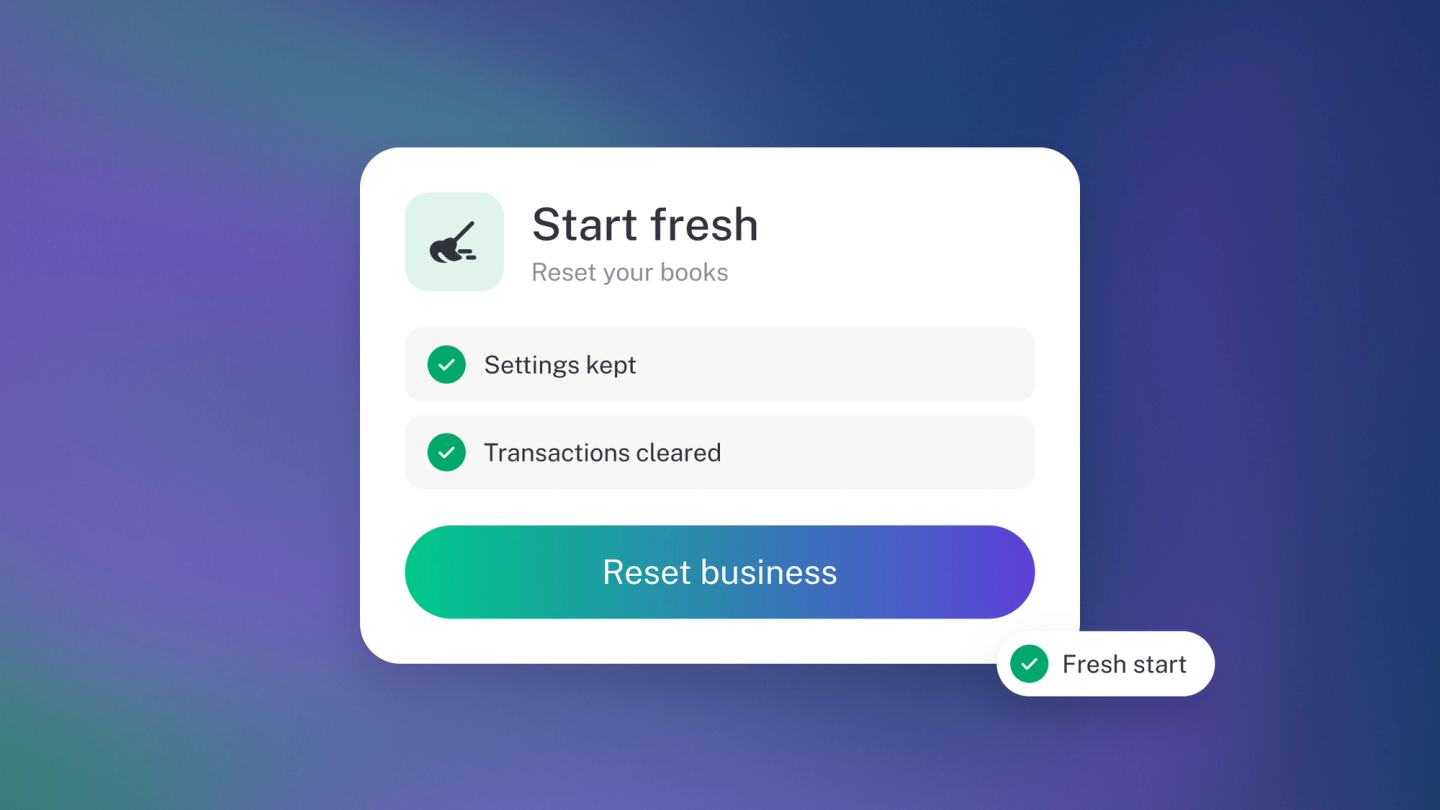
Resetting wipes everything in your books — invoices, customers, transactions, the lot — so you can start again with a blank slate. Only your business details, your subscription and your team members survive. It's useful if you have been testing and want a clean start, but it cannot be undone, so check the Trash covers what you actually need before you go this far. Like deleting, resetting is owner-only.
- Go to Settings → Business.
- Scroll to the Danger heading.
- Click Reset.
- Read the warning, then click Send. stub emails you a verification code.
- Enter the code from your email.
- Click Reset to confirm.
The emailed code is deliberate. Resetting cannot be undone, so stub makes sure it is really you.
Delete your business
Deleting removes the business and everything in it, permanently.
- Go to Settings → Business.
- Scroll to the Danger heading.
- Click Delete.
- Type your business name exactly as it appears.
- Click Delete business.
Only an owner can delete a business. If you are not one, stub tells you so. A business with an active subscription can't be deleted — cancel the subscription first.
Before you delete: export everything you might need. Run your Profit & Loss, Balance Sheet and Trial Balance and download them, export your General Ledger, Customers, Suppliers and Sales, and download your tax invoices from Settings → Billing. You are legally required to keep records for several years after you stop trading, and once this is gone it is gone.
Just want to stop paying?
Cancelling your subscription is a different thing entirely, and leaves your records intact. See Cancel or close account.