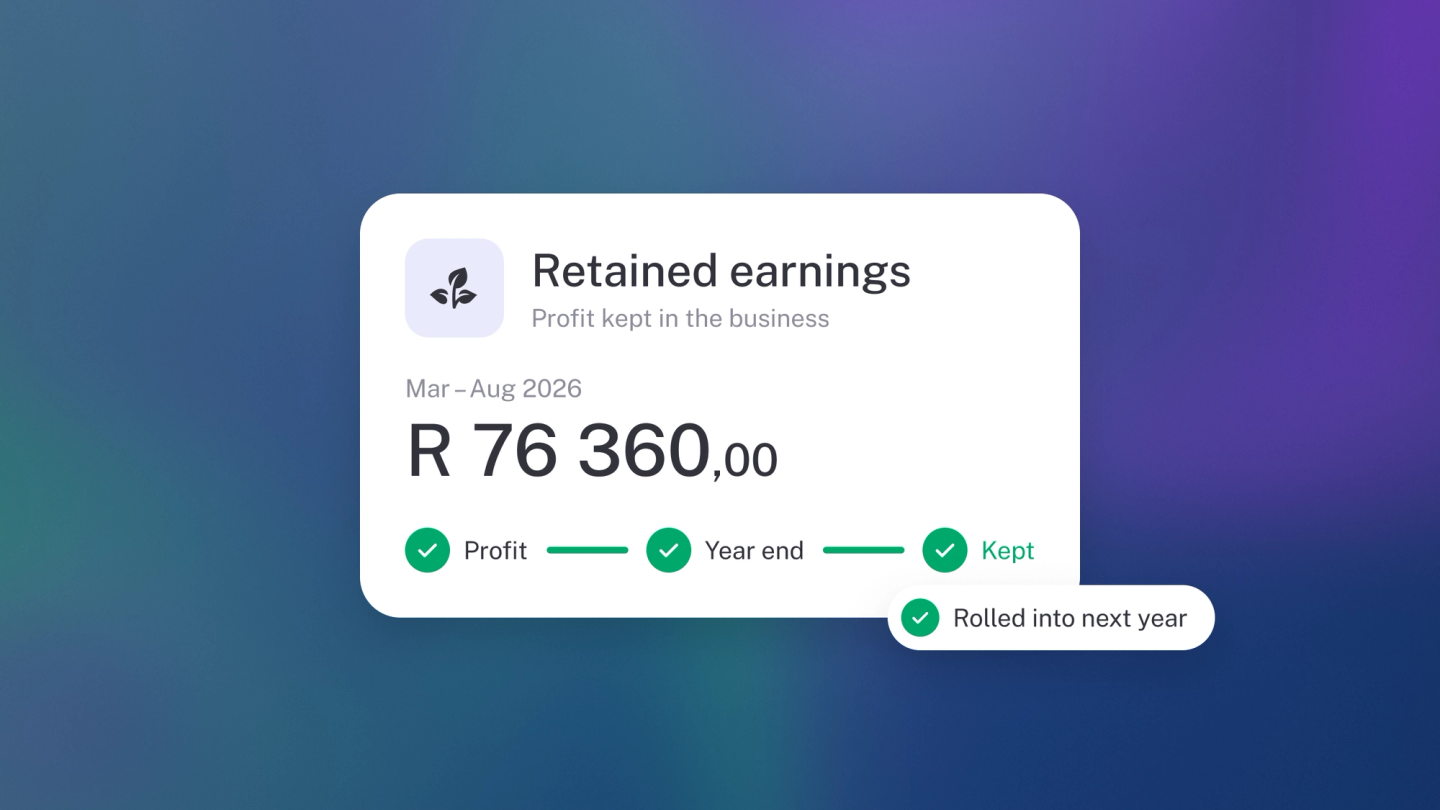
Retained earnings is the profit your business has kept rather than paid out — and it's the one account in your books you never have to manage. stub creates it, fills it and rolls it forward entirely on its own. This article exists so that when you spot it on your Balance Sheet and wonder "what is this account I didn't create?", you know exactly what you're looking at.
To see it, go to Reports → Balance Sheet and look under Equity.
What it is
- Profit your business made.
- Less anything you took out as drawings or dividends.
- What's left is retained earnings — profit kept in the business.
It is a running total, not a figure for one year. Each year's profit adds to it and each year's loss takes away from it, so what you see is everything the business has earned and not paid out since the day you opened. A negative balance is normal for a young business that has spent more than it has made — it is not an error, and it fixes itself as the profits come in.
How stub handles it
- stub creates the retained earnings account for you. You don't add it.
- At the end of your financial year, stub moves that year's profit or loss into it.
- When the new year starts, the balance rolls forward automatically.
- If you edit a past transaction that changes profit, stub updates the balance itself.
Until the year closes, the running result sits in Current year earnings — a holding line stub shows under Equity — and only moves into retained earnings at year-end.
This is why your Profit & Loss starts each year at zero while your Balance Sheet carries on: last year's result stops being income and expenses and becomes a single line of equity. There is nothing to run and no switch to flip — the move happens off the back of your financial year setting. So if your equity seemed to change overnight on the first day of your new financial year, that's the roll-forward doing its job — nothing is wrong.
Where to see it
- Reports → Balance Sheet, under Equity.
- General Ledger in the sidebar — pick the retained earnings account in the account filter.
The Balance Sheet gives you the balance as at a date; the General Ledger shows the postings that got it there. If a figure looks wrong, start with the ledger — the year-end entry stub posted sits on the last day of your financial year, so you can see exactly what moved and when.
Example: the business made R100,000 profit last year and you drew R20,000. Retained earnings = R80,000, carried into the new year.
Note: You usually don't post entries to retained earnings by hand. stub manages the account, and automatically posts to it, so a manual entry here will throw out your Balance Sheet. The exception is when you are taking capital out of the business, and even then the entry belongs in Drawings or Owner's equity — not here. stub folds the result into retained earnings at year-end for you.
Retained earnings is only ever as sound as the two settings underneath it. Your financial year start decides when a year closes, and so the moment profit stops being income and becomes equity — move that month and the same transactions fall into different years, so the balance shifts with it. Your operating currency is what the balance is stated in: anything you invoiced or paid in another currency is converted back before it reaches this account. Both live at Settings → Finance, and both are worth settling before you record anything. See Financial year and operating currency.