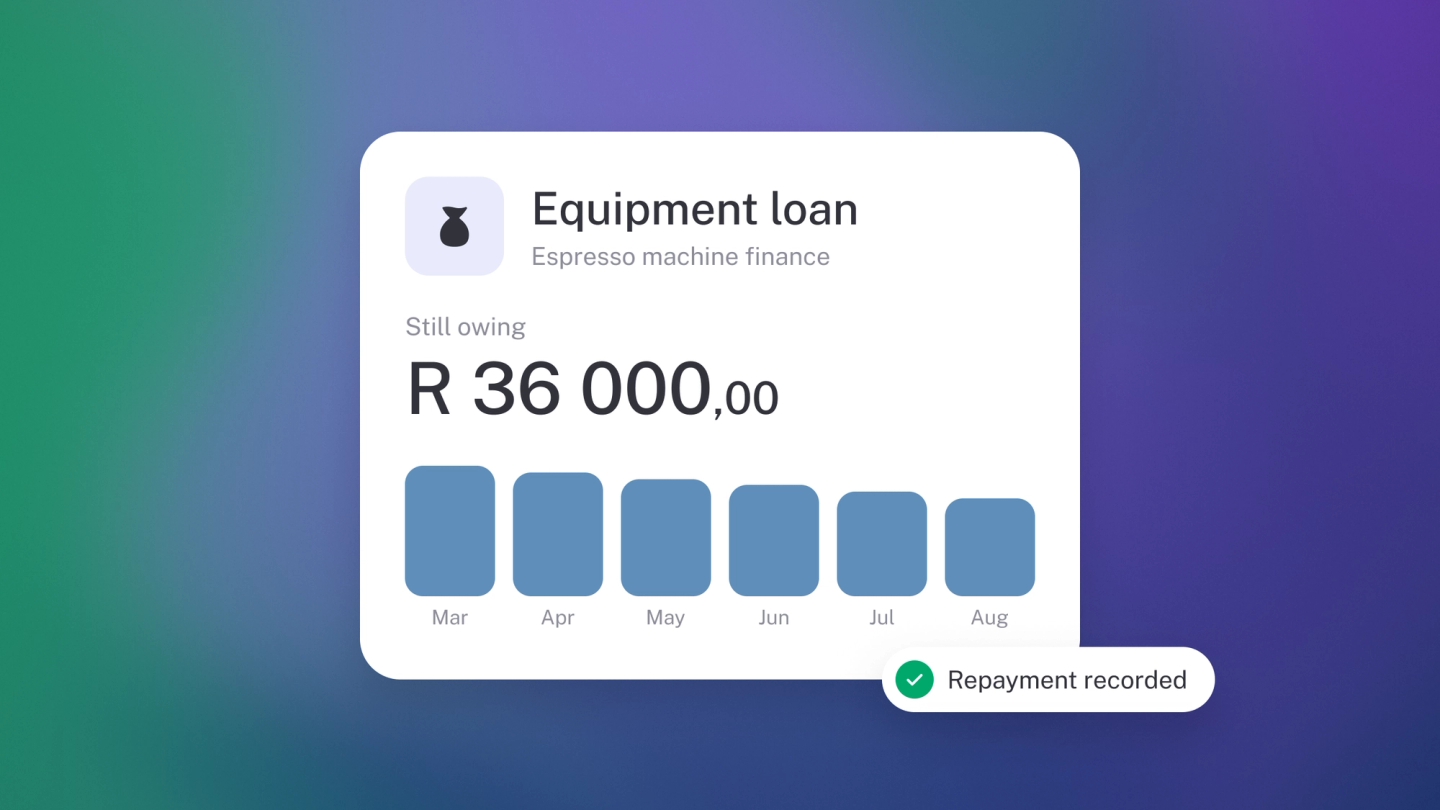
Most of what your business owes keeps itself up to date in stub — record a bill and what you owe suppliers rises; add VAT to an invoice and your tax liability rises. Loans are the one kind you set up yourself, and once a loan is in, stub shows exactly what's still owed on it at any moment.
What counts as a liability
Anything the business owes someone else:
- Due within a year — unpaid supplier bills, VAT, income tax.
- Due over a longer period — bank loans, vehicle finance, money lent to the business by an owner.
Add a loan
- Go to Settings → Finance → Loans and click Loan.
- Enter a Description — for example, "Absa vehicle finance".
- Enter the Lender if you want to track it.
- Enter the Account Number if you have one.
- Click Edit next to Opening balance and enter what is outstanding, and the date that balance applies from.
- Turn on Short-term loan if it is due within a year, so it lands in the right part of your Balance Sheet.
- Save.
The loan then appears among your liabilities and can be used like any other account.
Record a repayment
- Click Insights in the sidebar.
- Click the tile for the bank account the repayment left, to open Account Recon.
- Find the repayment leaving your account and assign it to the loan account.
Tip: If your repayment includes interest, split it. Put the capital against the loan account and the interest against an interest expense account — otherwise the loan never clears properly. See Split transactions across categories.
Add another kind of liability
Add an account on the Liabilities tab of Settings → Finance → Chart of accounts. See Customise Chart of Accounts.
Record a financed purchase by hand
To set up a balance directly — say a vehicle bought with finance:
- Click General Ledger in the sidebar.
- Click Entry.
- Enter a description and date.
- Debit the asset account (the vehicle) and Credit the loan account, for the same amount.
- Save.
Your assets and liabilities both go up, which correctly shows the vehicle was financed rather than paid for.
Check what you owe
On the General Ledger, pick the liability account in the account filter — the Running balance column shows what's owed after every movement.
Or run the Balance Sheet from Reports in the sidebar for everything at once.