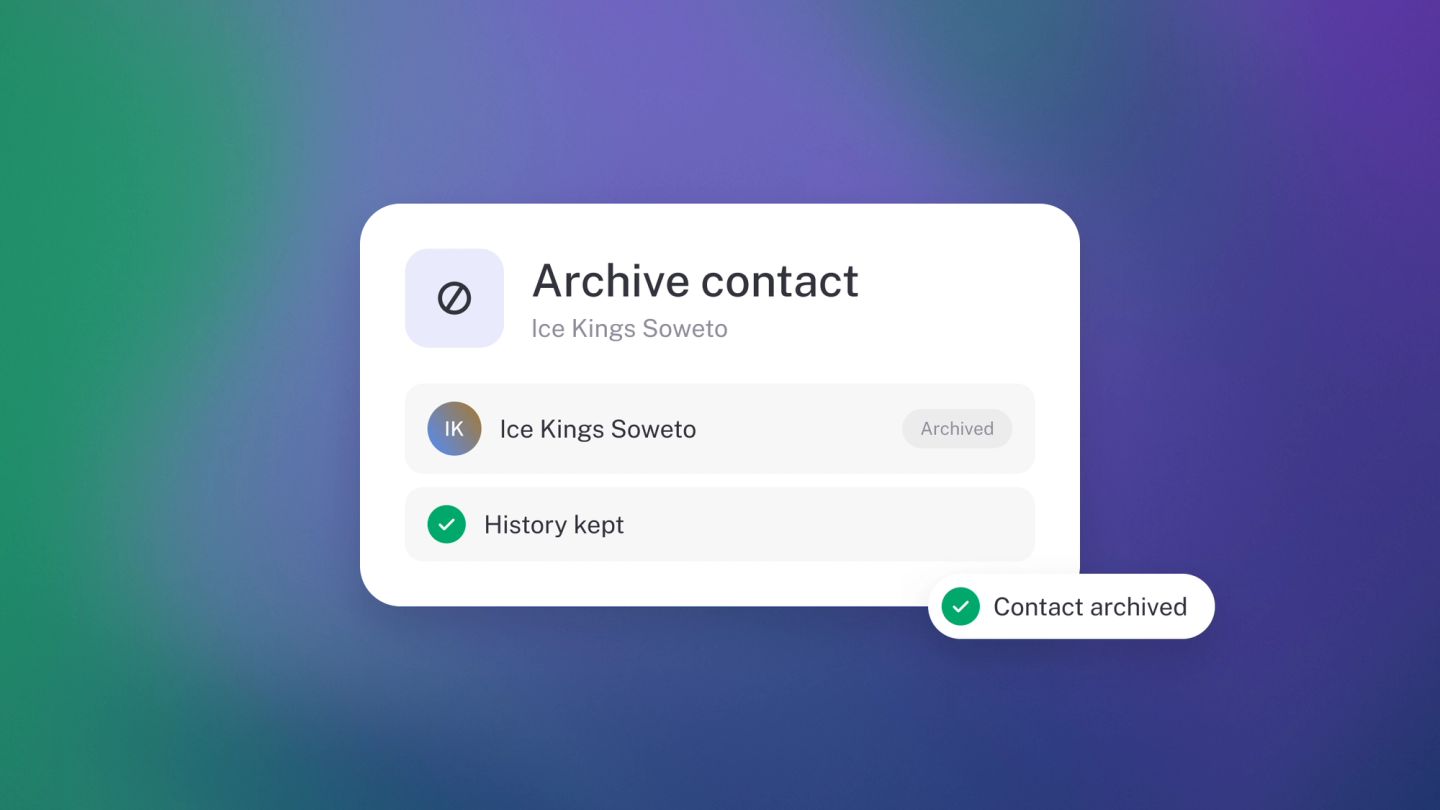
A tidy customer list makes everything faster — but your old records still matter, to your reports and to the tax office. That's why stub gives you two different actions: archive to clear contacts out of your way while keeping every scrap of history, and delete for the ones that should never have existed. Pick the right one and you lose nothing.
Archive customers you no longer work with
Archiving is a bulk action — you select the records first, then archive them together.
- Click Customers in the sidebar.
- Tick the checkbox on each customer you want to archive.
- In the bar that appears at the bottom, click the … customers button.
- Choose Archive, leave the selector on Archive, and click Save.
Archived customers drop out of your active list, but everything they are attached to — invoices, payments, tax records — stays exactly as it was.
Suppliers work the same way from the Suppliers page.
You can also archive one contact at a time: click the ··· on their row → Delete, then choose Archive in the dialog instead. The same dialog is where you Unarchive them later.
See your archived records
Click Customers in the sidebar, open the filter control, and set Status to Archived. Archived contacts also carry a small archive icon on their row.
Bring one back
Archiving isn't goodbye — an old customer who returns is two clicks from active again.
- Filter your list to Archived.
- Tick the ones you want back.
- Click the … customers button, choose Archive, switch the selector to Unarchive, and click Save.
Delete a record
Deleting is per record, and it's for contacts added by mistake — a typo, a duplicate. stub protects your books here: a customer with invoices linked to them can't be deleted at all, and the same goes for a supplier with expenses. If the Delete button is greyed out, that's why — the dialog offers Archive instead.
- Click Customers (or Suppliers) in the sidebar.
- Click the ··· on the row and click Delete.
- Confirm — deleting is permanent.
You can also delete from inside a record: open it and click ··· → Delete.
Note: When in doubt, archive. It keeps every scrap of history, gets them out of your way, and you can always unarchive later. Delete is only for records that should never have existed.