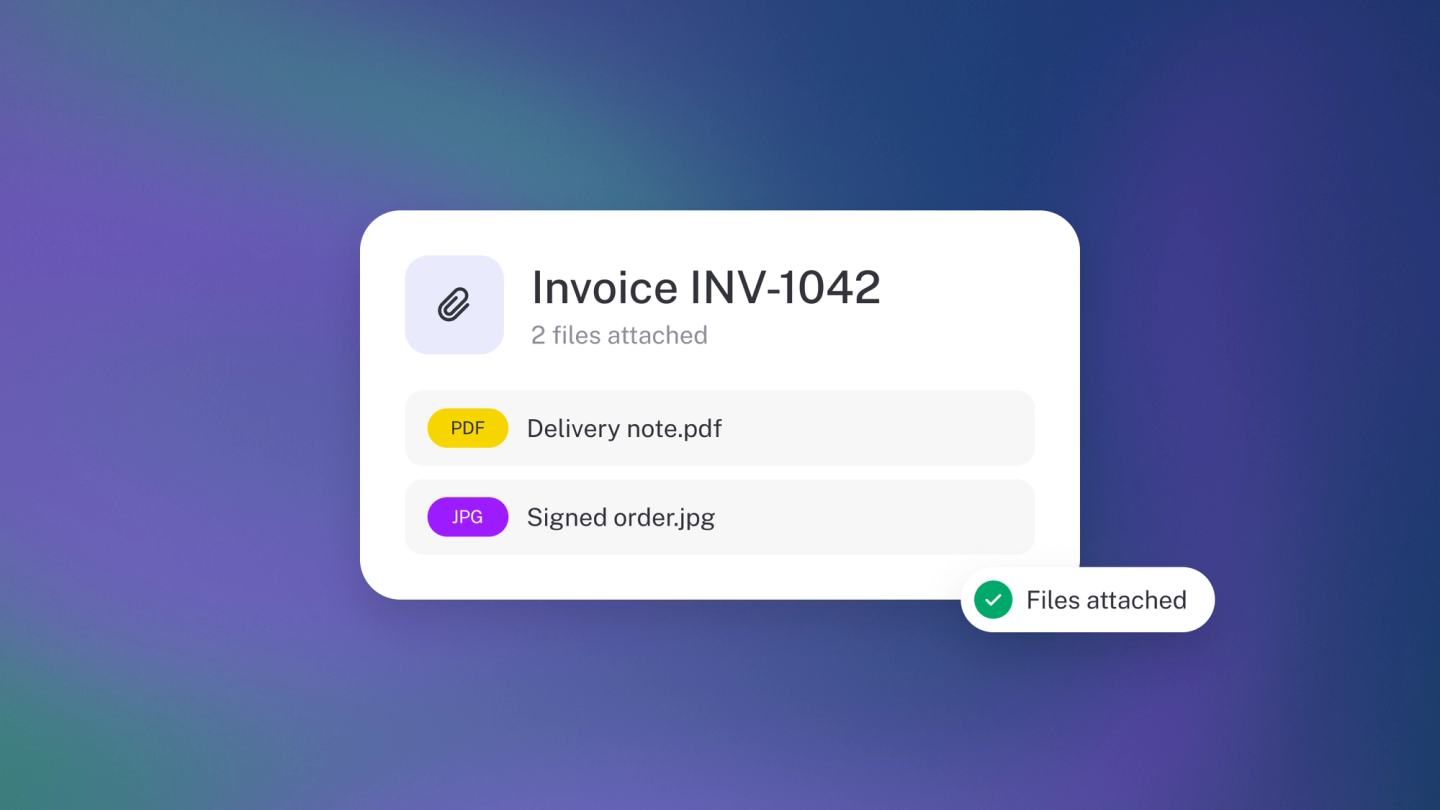
An invoice rarely travels alone — behind it there's a signed order, a delivery photo, a receipt. Attach them to the invoice and the paperwork stays together, ready the moment a customer or an auditor asks.
Attach a file
Open the invoice and scroll to the bottom of the Options panel on the left — the same panel that holds the discount and deposit toggles, which is why the file control is easy to miss. Add your file there — a receipt, a signed order, a delivery photo, a spec. It attaches straight away; there is nothing else to save.
Quicker: drag the file anywhere onto the invoice. It attaches straight away.
Manage attached files
From the same panel you can download an attached file, rename it, remove it, or move it to a folder from the invoice.
Note: Removing a file from an invoice only unlinks it from that invoice. The file itself stays safely in Files.
Other ways to get files in
Email documents into stub or upload them in bulk, then attach them from Files later. See Importing your files.