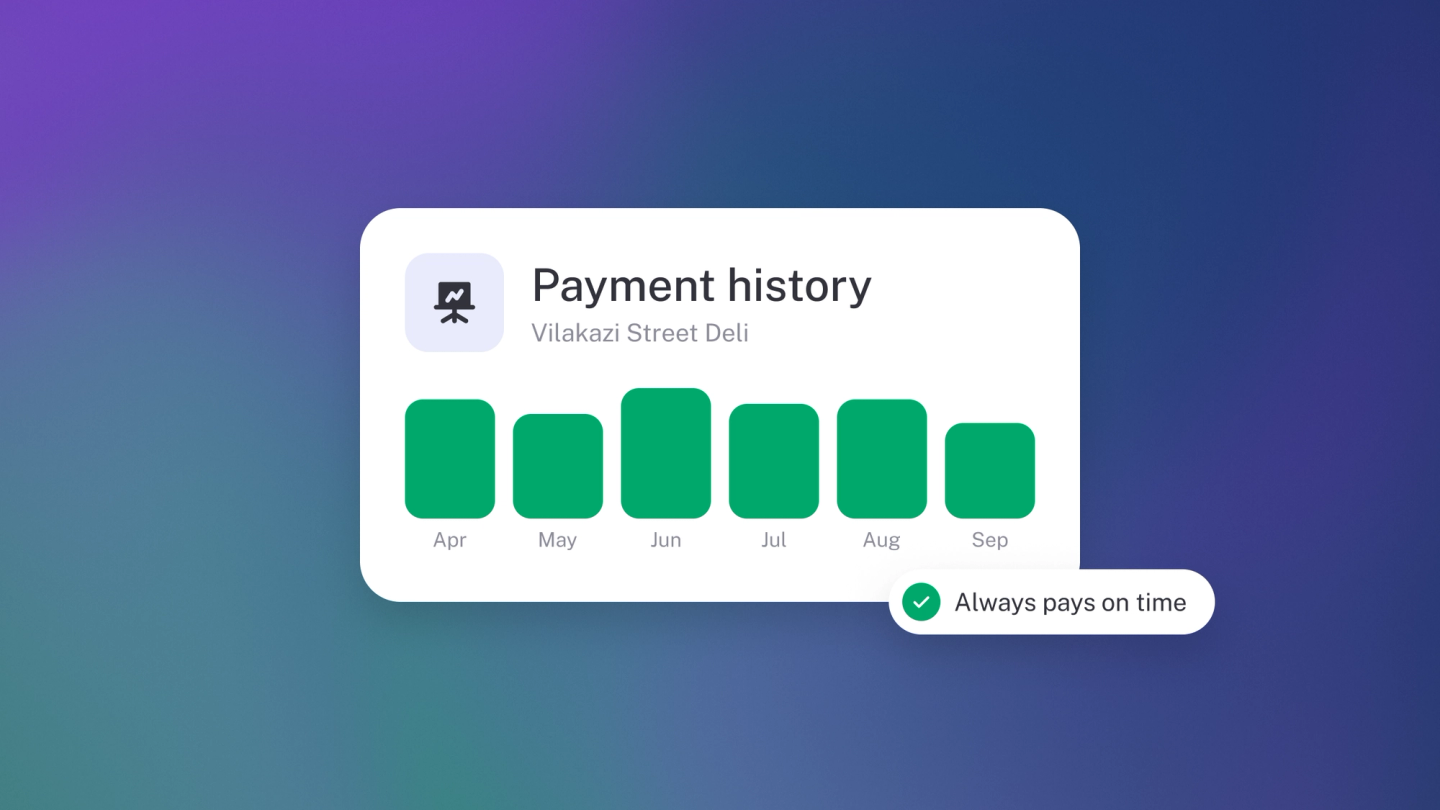
Before you chase a payment, quote a repeat job or decide how much credit to extend, you want the whole story on one customer — what they've bought, what they've paid, what's still open. In stub that story lives on one page: the customer's record. Nothing to compile; just open them and read.
See a customer's activity
Click Customers in the sidebar and open the customer. Their page lists every document and payment on their account, newest first. Click any row to open the original.
Check what they owe you
The left panel shows:
- Total outstanding — everything still unpaid across all their invoices.
- A separate line per currency — for example, 3 invoices outstanding (USD) — if you bill them in more than one currency.
- Total sales — what they have been worth to you over time.
Narrow the list
Use the filter control to narrow by status, tag or flag. The type selector next to it splits the list into Sales (invoices, quotes and orders) and Transactions (income entries) — or shows both.
Read the statuses
Each row carries a status badge — Due, Sent, N days overdue, Partially paid, Paid, Settled, Written off, Cancelled — the same badges as on the Sales list. For what each one means, see Track & chase unpaid invoices.
Get the full history
This page is for answering "what's the story with this customer". For a dated statement you can download or send on, click Statement. See Customer and supplier statements.
Tip: Suppliers work the same way. Open a supplier under Suppliers to see every bill and payment on their account.