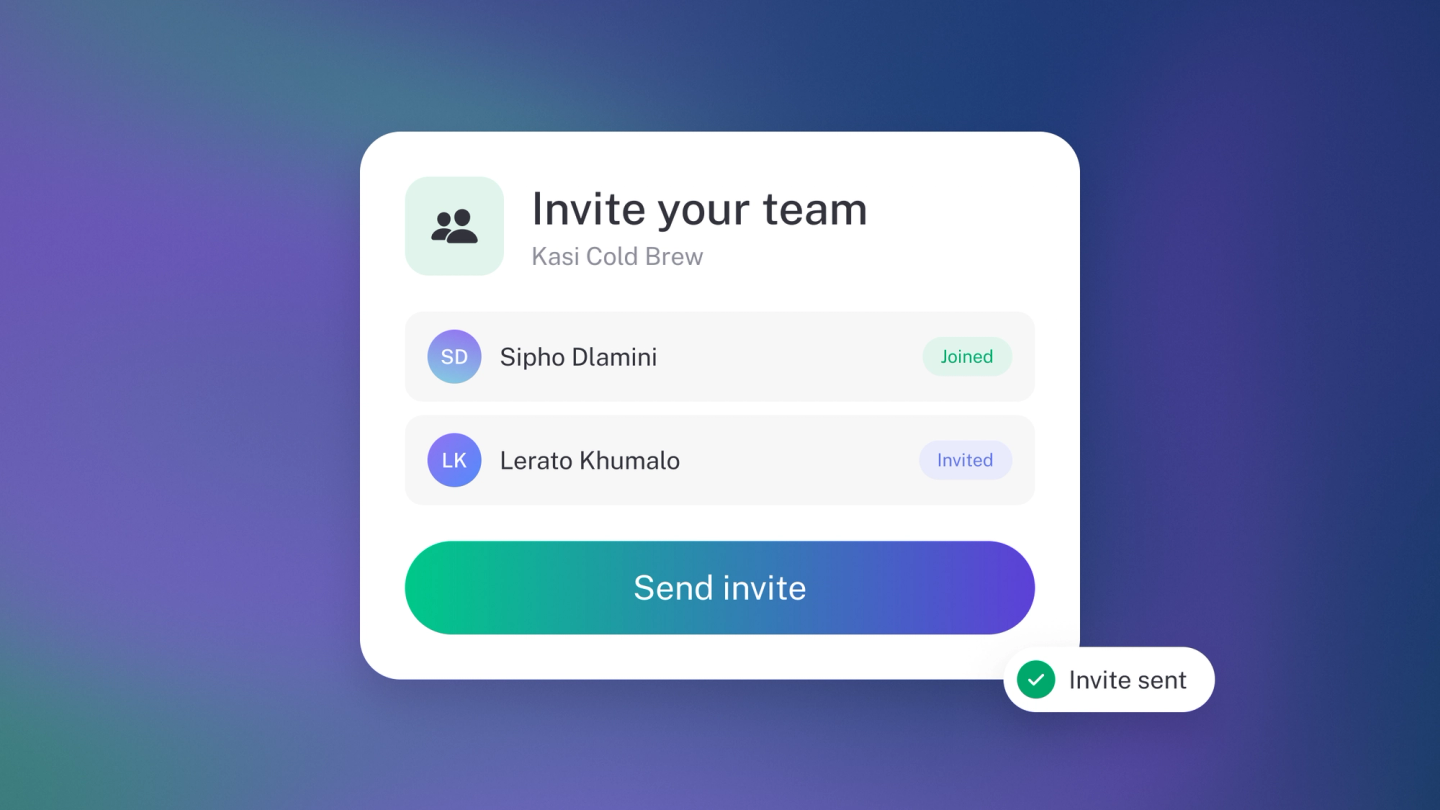
You don't have to run the books alone. Add the people who help you, like a partner, a bookkeeper or a manager, and they can work in stub alongside you with only the access you give them.
It's the better way to work with a bookkeeper too. Instead of emailing exports back and forth, they log in and work on the live books, and you keep control. Extra seats start on Steady Startup, which seats 3. See the pricing page for what each plan seats.
Add a member
Go to Settings → Team, click Member, enter their Full name and Email address, choose what they can do from Access, and click Add.
They get an email invitation with a link to join. Until they accept, they show as pending on your Members list. You can resend the invitation from their row.
Owners and administrators can add members. Only an owner can invite someone as an Owner or an Administrator.
Owners and administrators can also see everything a member has done in the activity log: on Settings → Team, click ··· on their row and choose Activity.
Choose their access
- Owner — Full access to everything, including banking, team members and settings.
- Administrator — Everything an editor can do, including payroll, plus deleting bank accounts and managing team members and the subscription. Only an owner can reset or delete the business.
- Editor — Full accounting access. Can't delete bank accounts or manage team members.
- Invoicing only — Raises invoices and quotes, adds the customers to raise them for, and sees only their own documents.
- View only — Sees the books, but can't change anything.
The picker starts on Editor, and for most people that's the right place to stay. Make someone an Owner only if they should be able to manage the business's bank accounts, team and plan.
Invoicing only and View only come with Growing Business. Once someone has joined, you can also give them Custom access and choose what they can do in each part of the business. See Team roles and permissions.
Change someone's access
On Settings → Team, click the member, choose a new role from Access, and click Save. You can't change a pending member's access until they accept.
A business can have more than one owner. If you are the only owner, stub stops you from stepping down, so assign another owner first or you would lock the business out.
Remove a member
On the same page, click the member, then the trash button, and confirm. On your own row the menu reads Leave instead. That's how you step away from a business that isn't yours.
Check your seats
The bottom of the Members list shows how many seats you are using. Sneaky Side Hustle has a single seat, which is you. Steady Startup seats 3 and Growing Business seats 5. Established Entrepreneur has no seat cap, so you can bring in everyone who helps.
Fill your seats and stub offers you the next plan up: the one that actually seats more people than you have, not just any paid plan. On a legacy plan you'll see your own plan named, with its cap of 3.
Once they've joined, each member chooses for themselves what reaches their inbox, email and screen. See Choose which notifications you get.