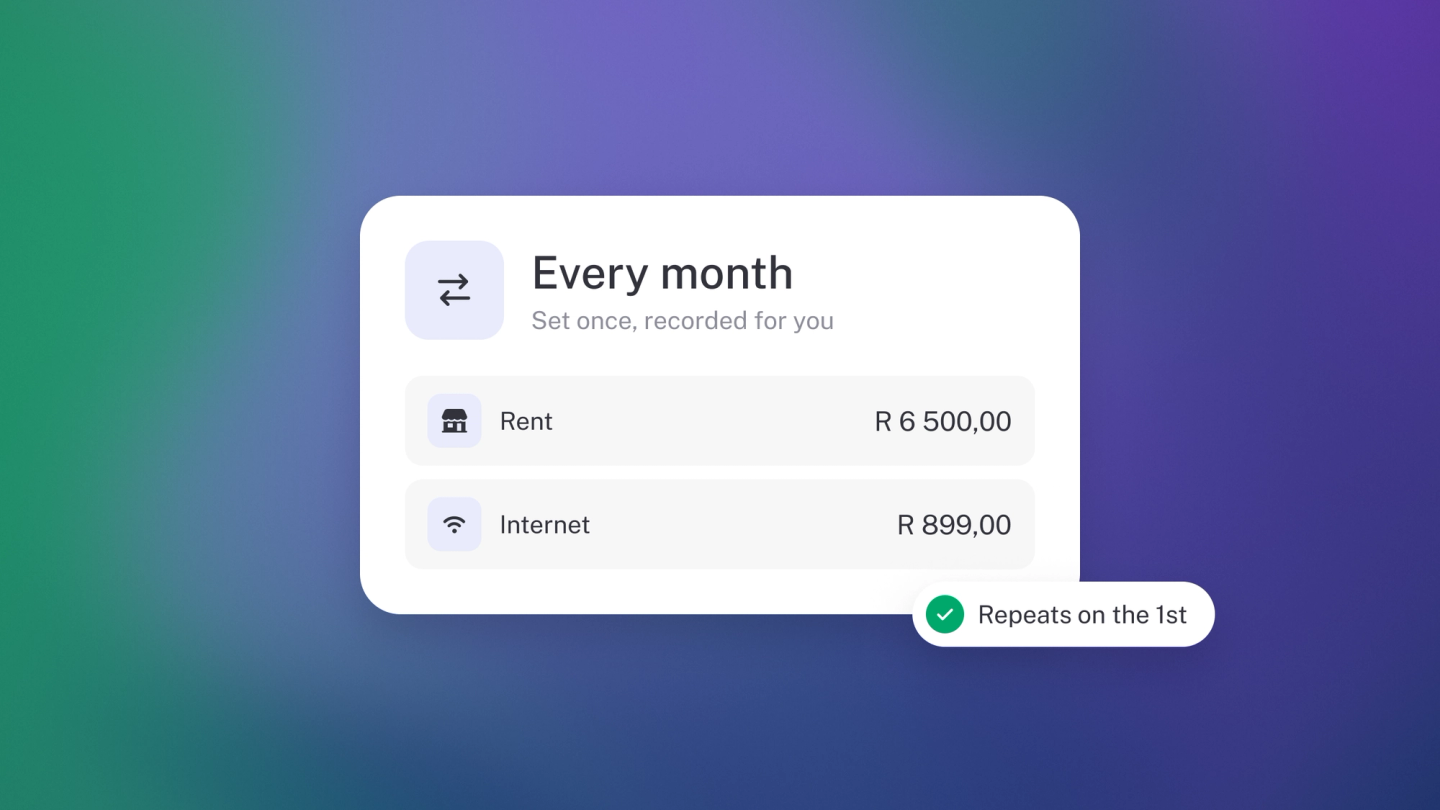
Rent, subscriptions, utilities — the costs that arrive every month shouldn't cost you effort every month. First, the honest answer to the question that brings most people here: stub does not repeat supplier bills. Repeat schedules exist only for the documents you send, like invoices. The good news is you don't need a repeating bill — two simple habits keep regular costs looking after themselves.
Get the paperwork in automatically
Set this up once and every month's invoice arrives on its own. Copy your business's inbound email address from the top of the Files page (which comes with Steady Startup), then set a forwarding rule in your email so anything from that supplier goes straight to it — or give the supplier the address as your billing contact. Every month's invoice then lands in Files without you touching it.
Categorise the debit when it clears
When the debit clears, assign it: on Insights, click the tile for the bank account it left to open Account Recon, and put the debit in its category. Because the description is the same every month, these are the fastest ones to clear — and the ones stub gets right on its own once it has seen a couple. See Categorise your transactions.
Repeat the invoices you send
If what you want is an invoice that goes out to a customer every month, that stub does do. See the Repeat section of Create and send an invoice.
Tip: Once a quarter, sort Expenses by amount and read down the list. Recurring costs are where subscription creep hides.