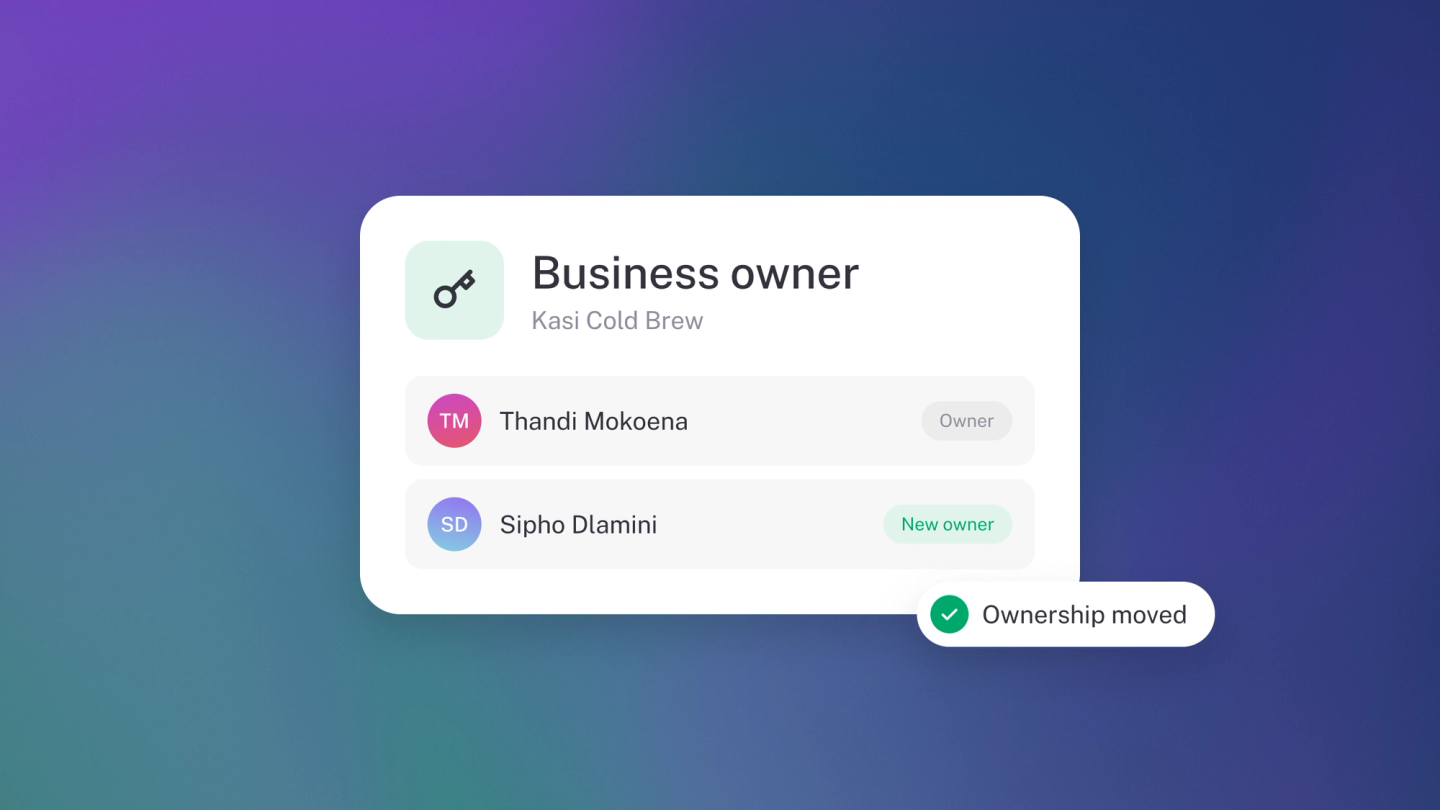
Bringing in a partner, or handing the business on? In stub, a business can have several owners at once, so sharing or transferring control is just a change to someone's access. There's no transfer wizard and no password handover.
Only an owner can make someone an owner. It all happens on Settings → Team.
Make someone an owner
On Settings → Team, click the person's name, choose Owner from Access, and click Save. They now have the same access you do.
One catch: they must have accepted their invitation first. A member still showing Pending can't be changed.
If they aren't on your team yet, you can make them an owner from the start. Click Member, choose Owner from Access, and they join as an owner when they accept.
A business can have several owners
stub does not have a single "primary owner" that gets handed over, and more than one person can be an owner. To transfer a business, make the other person an owner first, then step back yourself.
Step back from being an owner
On Settings → Team, click your own name, choose the access you want to keep from Access, and click Save. Editor keeps full accounting access. For the other options, see Team roles and permissions.
Note: If you are the only owner, stub blocks this and tells you to assign another owner first. That guard exists so a business can never end up with nobody who can manage it.
Hand a business over completely
- Make the other person an Owner.
- Ask them to confirm they can reach Settings → Bank Accounts and Settings → Billing.
- Check who is paying. See Manage your subscription.
- Change your own access, or have the new owner remove you.
Tip: Do the handover while you are both available. Once you are no longer an owner you cannot undo it yourself.