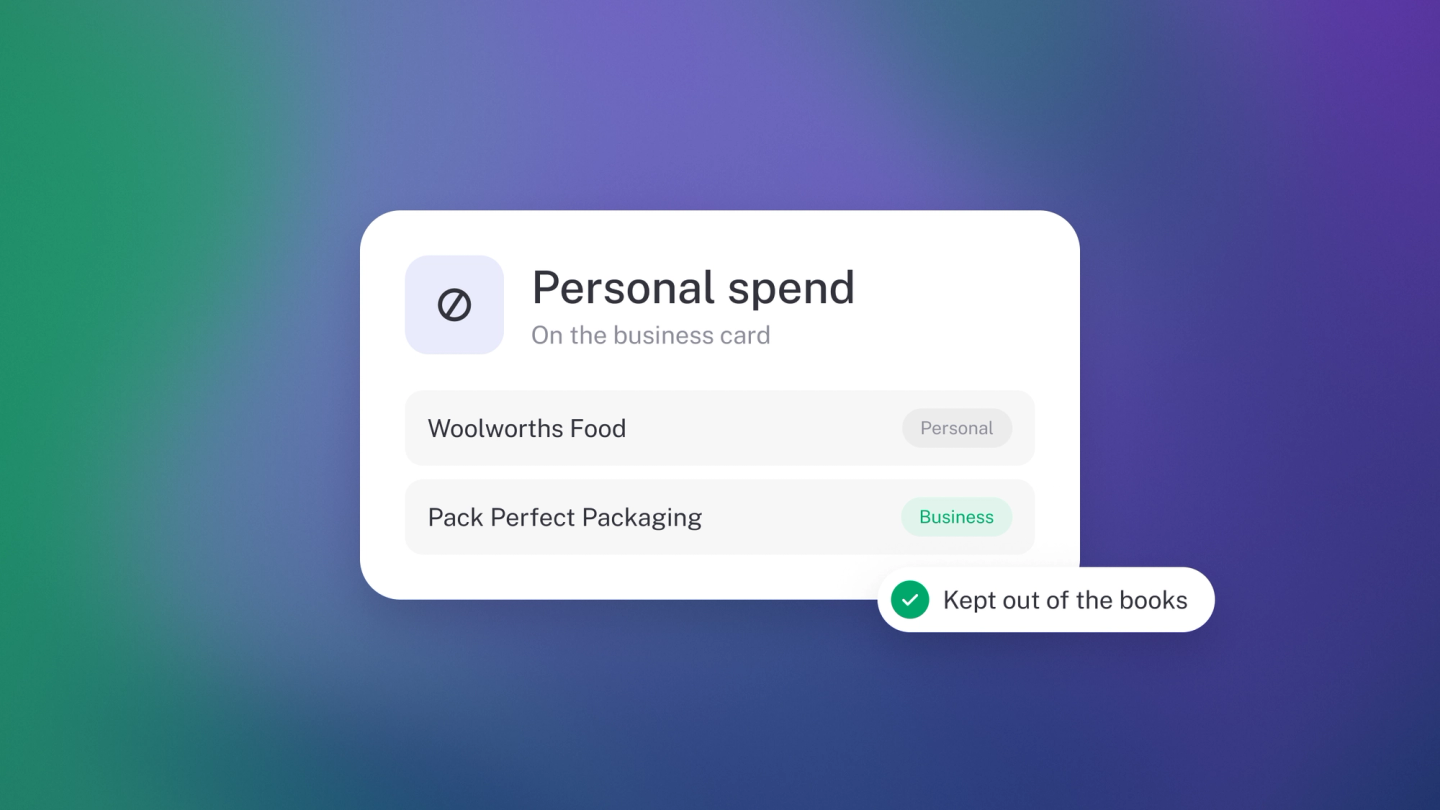
Mixing personal and business money happens to every entrepreneur. The fix isn't guilt — it's handling each direction deliberately, so your profit stays true and you get back everything the business owes you. Both take a moment to record properly.
Two accounts do the heavy lifting here. Sole proprietor or partnership? Yours is drawings — the bookkeeping name for money the owner takes out. Running a company? It's the director's loan account — a running tally of what you and the company owe each other. Either way, it's a bucket that sits outside your profit, so personal money never masquerades as business income or costs.
You paid for something personal on the business card
- Click Expenses in the sidebar and find the transaction.
- Click the category on the row.
- Pick your drawings account if you are a sole proprietor or partnership, or your director's loan account if you run a company.
- If the transaction has Sales Tax on it, open it and remove or zero the rate — there is no business tax to claim on personal spending.
The money leaves your bank but never touches your Profit & Loss, which is exactly right.
Note: If you don't have a drawings or director's loan account yet, add one under Settings → Finance → Chart of accounts. See Customise Chart of Accounts.
You paid for something for the business, personally
- Click Expenses in the sidebar, then click Expense.
- Pick the category, such as Travel or Office costs.
- Enter a Description, the Amount and the Date.
- Under Paid from, choose your drawings or director's loan account — that records that the business owes you.
- Set the Sales Tax rate if you can claim it.
- Attach a photo of the receipt with File — attaching files comes with Steady Startup.
- Save.
Note: Paid from only lists money accounts. If your drawings or director's loan account isn't offered there, edit it under Settings → Finance → Chart of accounts and tick Cash or cash equivalents account — it then shows up like any other account.
You get the deduction, and the business carries a record of what it owes you.
The business pays you back
- Click Expenses in the sidebar and find the repayment leaving your bank account.
- Click the category on the row.
- Pick the same drawings or director's loan account.
That cancels out what the business owed you.
Keep an eye on the balance
Go to General Ledger, filter to your drawings or director's loan account, and switch on Running balance. It tells you at a glance whether the business owes you or you owe the business.
Tip: The cleanest fix is a separate business card. Every mixed transaction is a decision you have to make twice — once when you spend, once when you categorise.
Related: a personal bank account connected by mistake is a different problem — see Remove a bank account and its transactions.