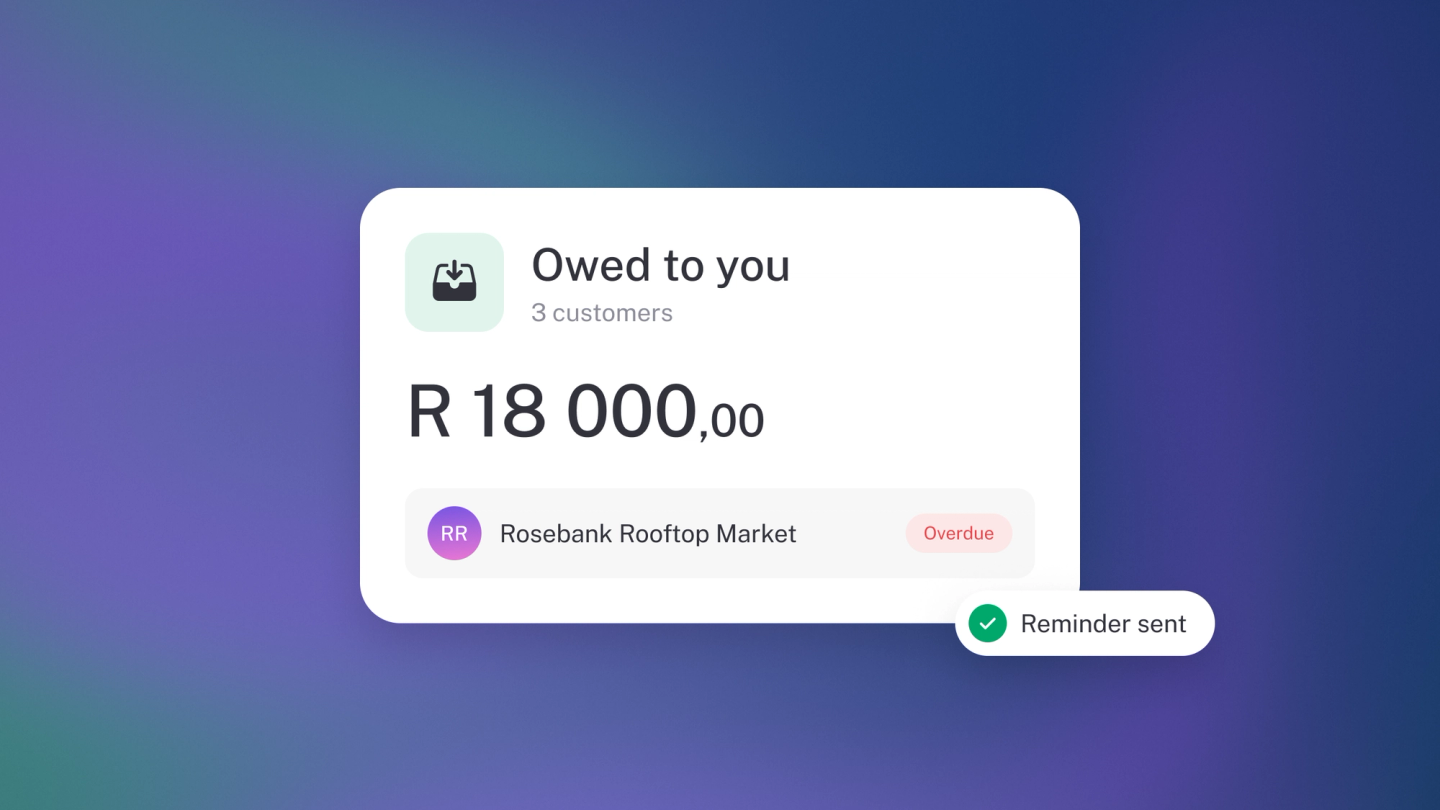
The money customers owe you is often the biggest number in the business that never shows up in the bank balance. It's also the one most often lost quietly — not to bad debt, but to an owner who never quite got round to asking, because asking meant reconstructing who owed what first.
These reports remove that excuse. One shows what's already late, the other what's about to fall due, and between them "who owes me?" stops being a nagging feeling and becomes a list you can work top to bottom in ten minutes.
What to know before you trust the total
- These reports count invoices, not cash. If an invoice you've been paid for is still showing, the payment hasn't been recorded against it yet — record it and the invoice drops off immediately. This is the single most common reason a receivables total looks wrong.
- Only invoices raised in stub appear here. Work you've done but not invoiced is owed to you in every sense except this one. The report can't chase what you haven't billed.
- Overdue and Upcoming are two views of one question, split by due date. An invoice moves from Upcoming to Overdue on its own the day it falls due.
- The overdue total is the same figure the Invoices tile on your Insights dashboard shows, so the two will always agree — the report is just the detail behind the tile. The tile is on every plan and always counts as of today; opening either report from it needs Steady Startup.
- Receivables is not the same as sales. Sales is what you earned in a period; receivables is what's still outstanding right now, no matter when it was invoiced.
See what's already late
Go to Reports in the sidebar and pick Overdue Invoices — or, from any report, click its name at the top and choose Overdue Invoices from the dropdown. It lists everything past its due date as at the date you pick, grouped by customer — who's holding you up, and how long they've been at it. Tick Total under Options to add a total column, and click a customer to open the invoices behind the balance.
This is your chase list. Work it top to bottom.
See what's coming up
Open the same dropdown and choose Upcoming Invoices. Tick Unpaid only under Options → Include to hide anything already paid, and switch Compare to Monthly or Yearly to see how your recurring billing lands over time. Like Overdue Invoices, it needs Steady Startup.
Filter by tag
On either report, use the filter button in the header to narrow the list to one Tag — one project, branch or campaign.
Chase one
Click through to the invoice and send a reminder or resend it — see Track & chase unpaid invoices.
Mark one as paid
Open the invoice and add the payment — see Settle, write off or cancel an invoice. Once the payment is recorded, the invoice drops off the list on its own.
Tip: Cash tight while sales look healthy? The answer is on this report, not in a new sale. Chasing what's already owed is faster and cheaper than earning it again.