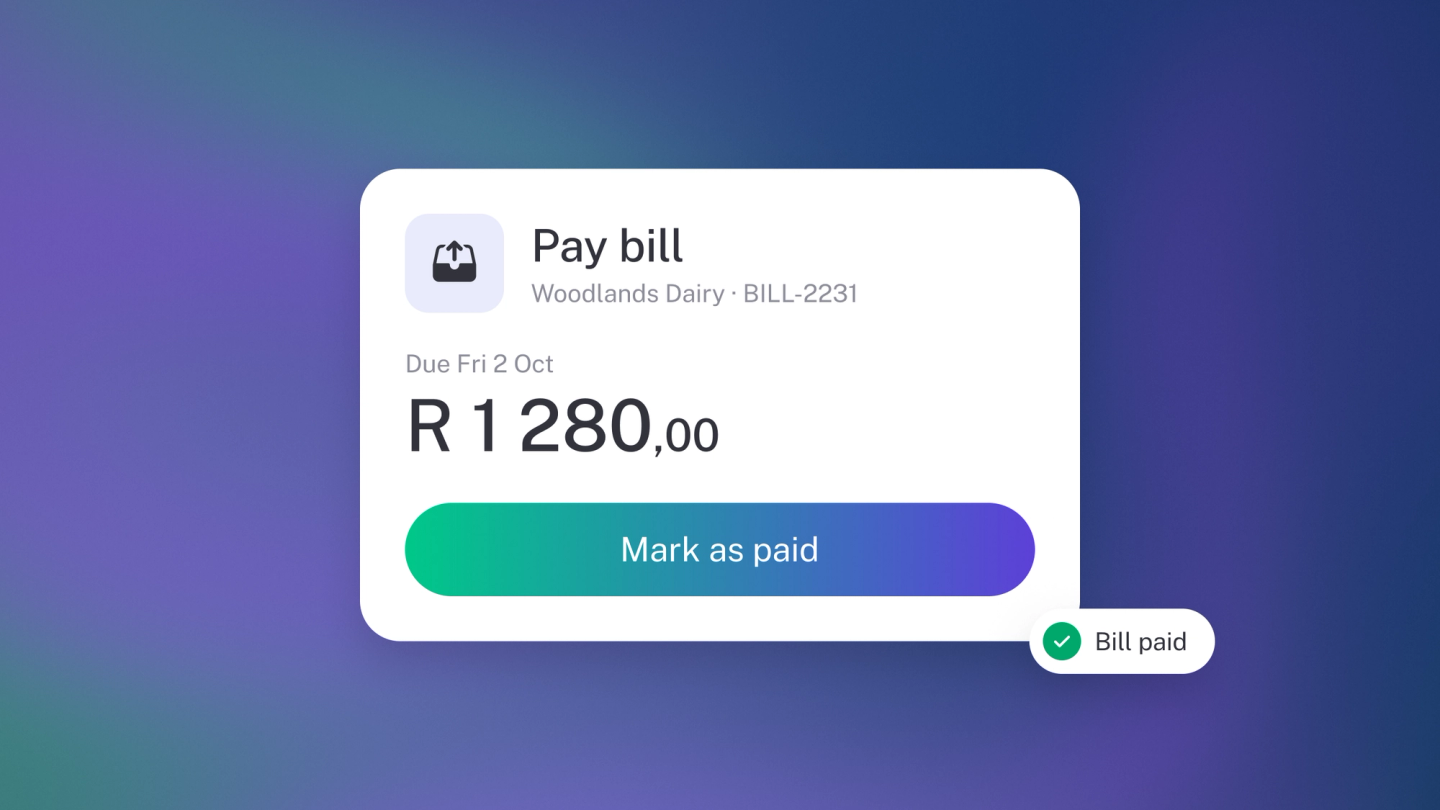
Paying a supplier happens at your bank, the way it always has — stub doesn't move the money. What stub does is keep score: record the payment against the bill and the bill closes, your books match your bank, and your picture of what you owe stays honest. Record what actually left, when it left, and the outstanding balance takes care of itself, whether you settle in one go or chip away in instalments.
Record a payment against a bill
- Click Expenses in the sidebar and open the bill.
- On the Payment panel on the right, click Payment.
- In the Add payment window, pick a tab. Existing links a payment already recorded in stub — say, one that came in with your bank transactions. New records one from scratch: the amount, the date, and the account the money came out of.
- Click Save.
The panel shows what is still outstanding. Record as many payments as you need — a bill you are paying off in instalments will show a shrinking balance until it clears.
Remove a payment
Recorded something wrong? Click the ··· next to the payment on the Payment panel and click Remove.
Keep your bank feed tidy
If your bank transactions come into stub, the payment shows up there too. Link it with the Existing tab when you record the payment and there's nothing more to do. If you typed the payment in under New instead, assign the bank transaction when it arrives: on Insights, click the tile for the account the money left to open Account Recon, then find the payment and assign it — otherwise the same money counts twice.
Paying in another currency
If the bill is in a foreign currency, the Payment panel shows the exchange rate. When you settle it, stub works out the gain or loss between the rate on the bill date and the rate on the day you paid, and shows it on the panel — no spreadsheet required. See Multi-currency & exchange rates.
Check what you still owe
The Bills tile on Insights shows what's overdue or coming up as of today, and opens the full report — see Payables. It's on the dashboard from Steady Startup; on Sneaky Side Hustle, add it from the ··· menu → Tile. Or open a supplier under Suppliers and check Total outstanding on the left panel.
Note: Bills are closed by recording payments against them, not by marking them settled in one step. Record what actually left your bank and the balance takes care of itself.