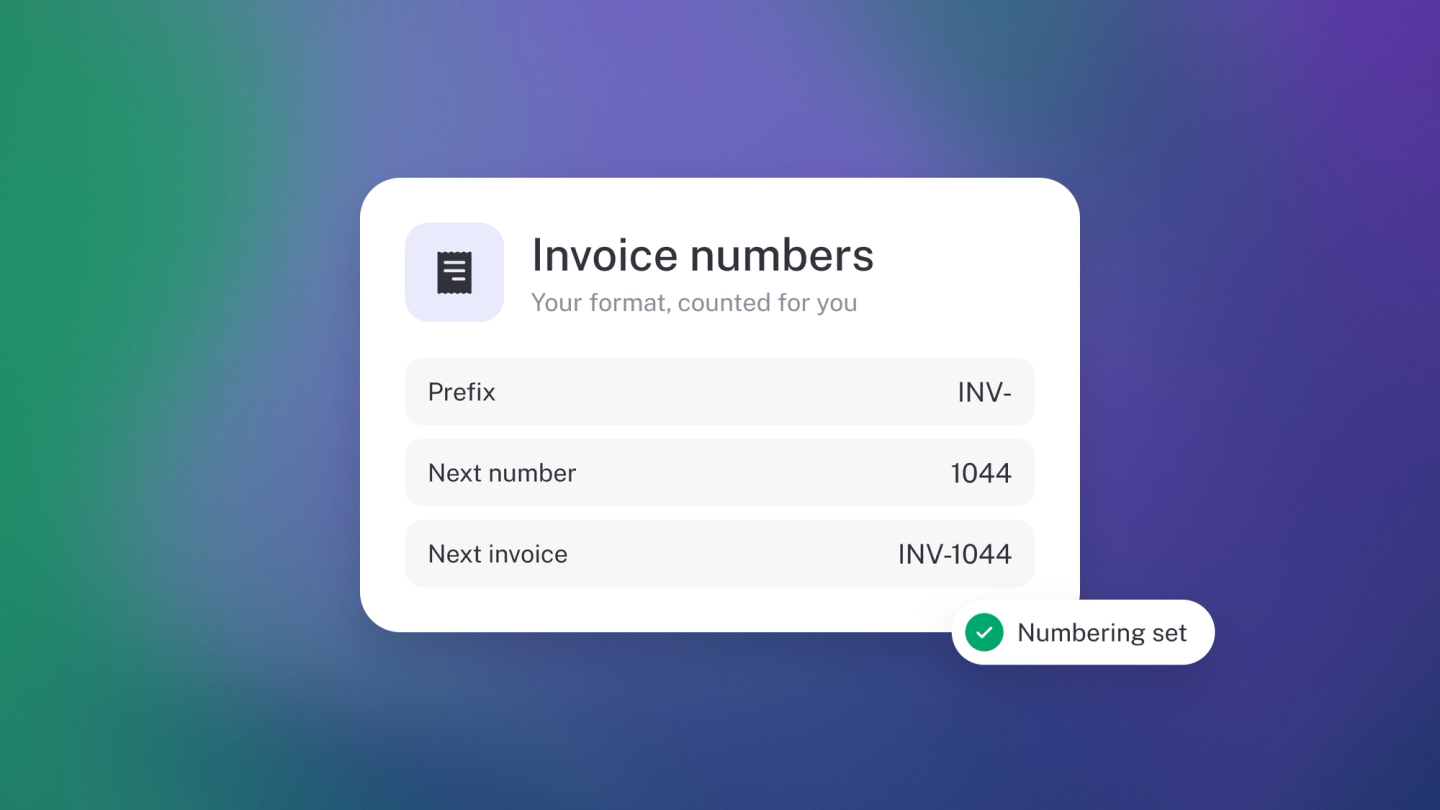
SARS requires every tax invoice to carry a unique number in an unbroken sequence — and stub handles that automatically, so numbering is one part of compliance you never have to think about. To find the number on any invoice, open it from Sales — it appears at the top of the document.
How stub numbers invoices
- Every invoice gets its number automatically when you create it — your very first is 001.
- Numbers run in sequence, as SARS requires for tax invoices: stub takes the highest number in your current pattern and adds one.
- Quotes, orders, pro-forma invoices and credit notes each run their own separate sequence.
- Each recurring invoice gets its own new number — the schedule doesn't reuse one.
Set your own numbering
There's no numbering page in Settings — the invoice itself is the control. The number at the top of any unlocked invoice is a field you can edit: click it and type. From then on stub continues whatever pattern your newest invoice uses. Make your latest invoice INV-0100 and the next one comes out INV-0101 — the prefix carries over, and the number keeps the same zero-padded width. Each document type continues its own latest pattern, so your quotes can run Q-001 while your invoices run INV-0101.
Note: Don't use a bare date as the number (like 20260901) — stub can't build a sequence from it and falls back to numbering by position in your list. A prefix plus a counter works best.
If an invoice is wrong
Don't delete it. Issue a credit note against it — see Credit notes — and raise a corrected invoice.
On deleting and numbers: deleting your newest invoice frees its number for the next invoice, but deleting anything older leaves a permanent gap in the sequence — and gaps are hard to explain at audit. A credit note keeps the trail intact.